New in OpenChair: calendar sync, client records and memberships | 1–14 May 2026
Connect Outlook to your salon diary, review signed forms and visit photos, and apply client membership credits at checkout in OpenChair.
On this page
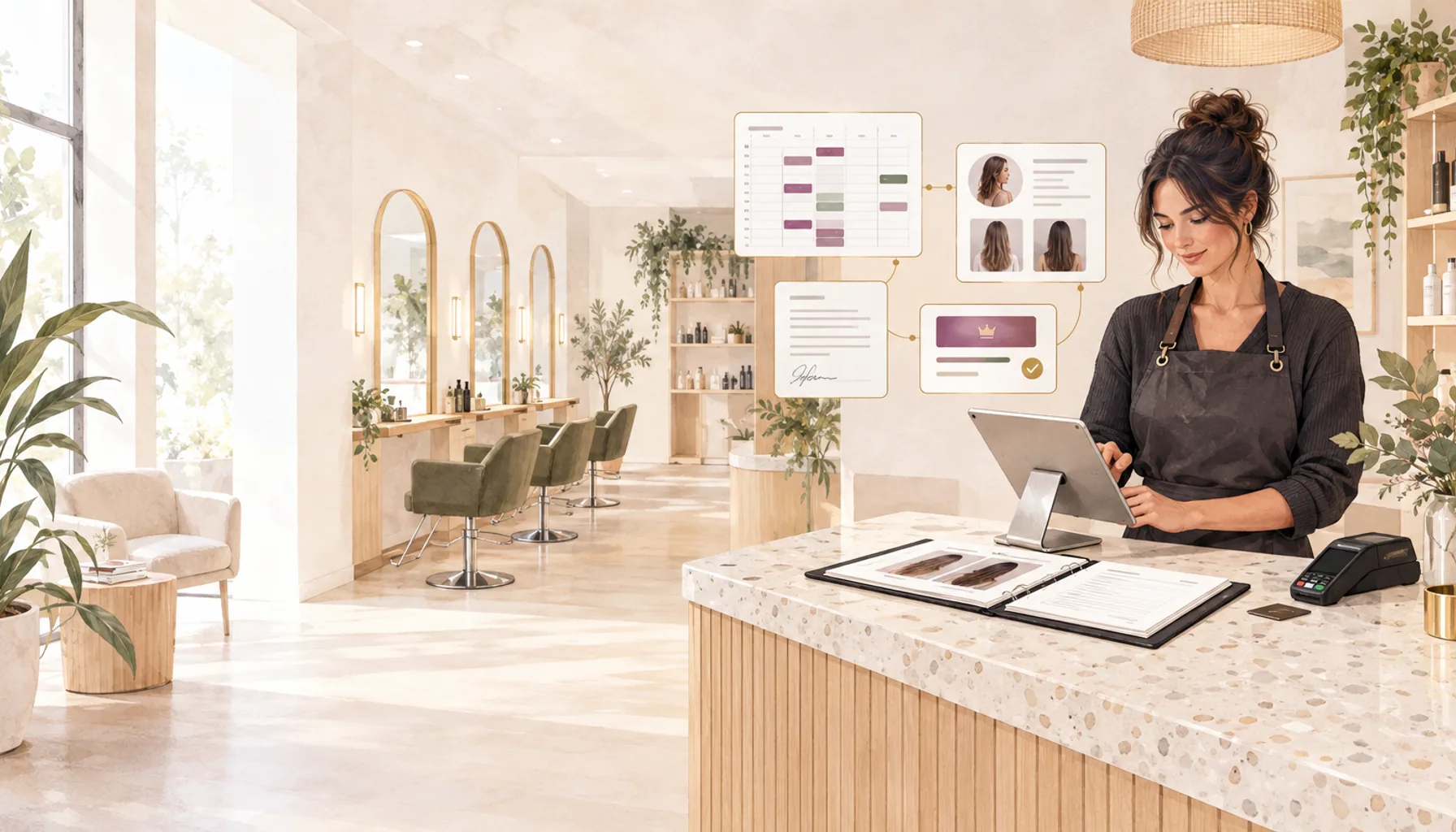
Keep your diary in step with your Outlook calendar and bring a client’s previous visit into the next consultation. This fortnight’s OpenChair update adds Outlook sync on Pro, richer consultation records and monthly client memberships with credits applied at checkout.
Account for Outlook commitments when clients book#
On Pro, each team member can connect their own Microsoft 365 Outlook calendar to OpenChair. Open Calendar sync in your web settings, choose Outlook and authorise the connection from your own Microsoft account.
With schedule blocking enabled, synced busy events block that team member’s bookable time. You can also enable outgoing booking updates, so new and changed OpenChair appointments appear in the connected calendar. The connection uses the primary calendar for that Microsoft account.
For a stylist with a training session in Outlook, that commitment can appear in the salon diary and keep the same time out of online availability once synced. Reception can account for time away from the chair without adding the event again in OpenChair.
If a newly synced event overlaps an appointment already in the diary, OpenChair flags the conflict for review. You decide how to resolve it; syncing an outside commitment does not move the client’s booking.
Find signed consultations and photos from the previous visit#
Consultation forms now support more ways to collect an answer, including multiple-choice responses, photo capture and questions that appear only when a previous answer makes them relevant. On Pro, link a template to a service and send it from the booking for the client to complete before their visit.
A colour salon could ask whether a client has used home colour, then show a follow-up question when they answer yes. Your team chooses the questions and reviews the answers with the client.
Signed forms now appear on the client profile, with the answers and a record of the form as it was submitted. An earlier consultation is there to review when a regular returns or another stylist takes the appointment.
We’ve also added a private photo timeline, accessible from the client profile and booking details. Hair salons can record front-and-back views or before-and-after pairs. In a lash and brow studio, the artist can review the previous result alongside the written history when agreeing what to keep or change at the next visit.
These photos belong to the client record. Adding them there does not publish them to your portfolio; public use follows a separate consent workflow.
Read more about keeping consultation records with the client’s history.
Apply a regular client’s membership credits at checkout#
You can now sell a monthly client membership through your OpenChair booking page on Pro, with payments handled through your connected Stripe account. Owners set the monthly price, credits per billing cycle and eligible services in Memberships, then choose whether to make it available online.
For example, a barbershop could offer a monthly membership with credits for its standard haircut. When an active member returns, their client profile and booking show a membership badge. Checkout applies available credits to eligible service lines, and the credit balance updates when the order is completed. Your team can review the applied benefit before taking payment for anything else in the visit.
The Memberships list lets owners review member status and pause or cancel an arrangement. Clients can also cancel using their secure membership link.
The next appointment still needs to be booked for a suitable time. Buying a membership covers the agreed benefits; it does not reserve a repeating slot in the diary.
Book an OpenChair walkthrough to see a returning client’s visit from booking through to checkout.