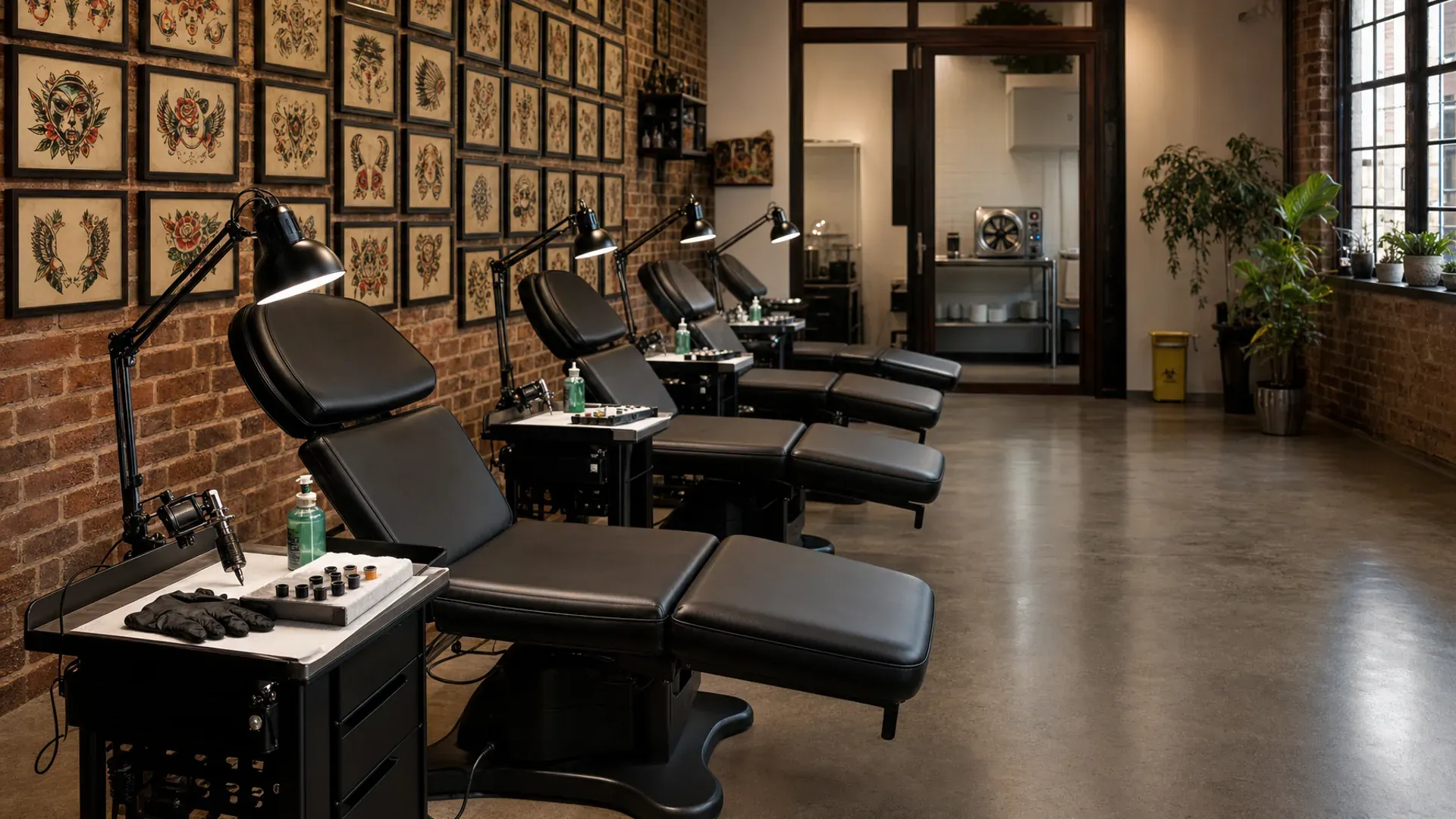
Projects across sittings
Sleeves, back-pieces, and cover-ups tracked as one project across every session. Reference brief and healed photos travel with the work.
Tattoo studio management software
A sleeve tracked across every sitting. Hourly sessions priced with minimums and deposits. Waivers and ID handled before they sit. Aftercare check-ins sent after the work is done.
14 days. Full Pro. No card. No commission.
From $34.95 AUD / $24.95 NZD / £19.95 GBP per month after trial. Capped at $199 / $199 / £99 no matter how many artists you run.

The revenue leak
Tattoo studios don't lose revenue in one obvious place. It leaks through sleeves that stall for six months between sittings, full-day no-shows that empty the calendar, references buried in a DM thread the platform never saw, walk-in piercings handled on sticky notes, and aftercare check-ins nobody had time to send.

Sleeve · session 3 of 6
Project tracked, not restarted
Last session photos already loaded
4-hour session
$200/hr with a 2-hour minimum
Duration priced before slots are shown
Walk-in piercings
Live wait · 22 minutes
Friday flash day on the same calendar
Project ledger
A back-piece runs across six sittings over four months. Every other platform models that as six bookings strung together by a client name. References get re-attached, deposits get re-quoted, the last session photo is somewhere in a phone gallery. OpenChair treats the piece as a project. Every sitting, every reference image, every deposit paid, every healed photo, every artist note on one record. When the client comes back twelve months later for a touch-up, the brief is still there.
From OpenChair · Project ledger
Hourly pricing + deposits
Tattoo work is quoted in time, not tidy fixed-price blocks. OpenChair lets each service run as fixed, range, or hourly pricing. Set the hourly rate, session minimum, and the durations clients can pick on your storefront: 2 hours, 4 hours, 6 hours, full day. The total updates before the client chooses a slot, availability uses the selected duration, and deposits still apply to the calculated session price. A $80 walk-in piercing and a $1,500 full-day sit stop sharing the same pricing logic.

Session priced
Waivers + ID
Age-restricted work should not depend on a front-desk memory check. OpenChair lets services require a minimum age and an ID photo. Public booking collects date of birth when it is needed, asks for the required ID upload before confirmation completes, and stores the verification record against the booking. Operators can review, override, or delete ID records from the booking detail, with retention settings and a compliance report for audit day. Digital waivers still cover medical history, contraindications, aftercare acknowledgement, liability release, and photo consent.

Waiver locked
Reference vault
Most tattoo bookings happen through Instagram DMs because that's where the references live. The platform booking the appointment never sees the brief. OpenChair captures references at booking through the custom form: inspiration photos, placement notes, sizing preferences, specific elements the client wants included. The references attach to the project, so every artist on the team sees the same brief before the session opens. Healed photos from earlier sittings stay against the same record so the work can pick up exactly where it left off.

Brief locked
AI Concierge
Concierge knows your studio. Every project. Every sitting. Every reference. Every deposit. Pull the list of sleeves stuck more than 60 days between sittings. Draft an aftercare check-in for everyone tattooed last week. Ask which styles converted best on the storefront last month. The work that used to take three tabs and a spreadsheet now takes one sentence. It sounds like your studio. It never sees another venue's data.
From OpenChair · AI Concierge
Walk-in queue
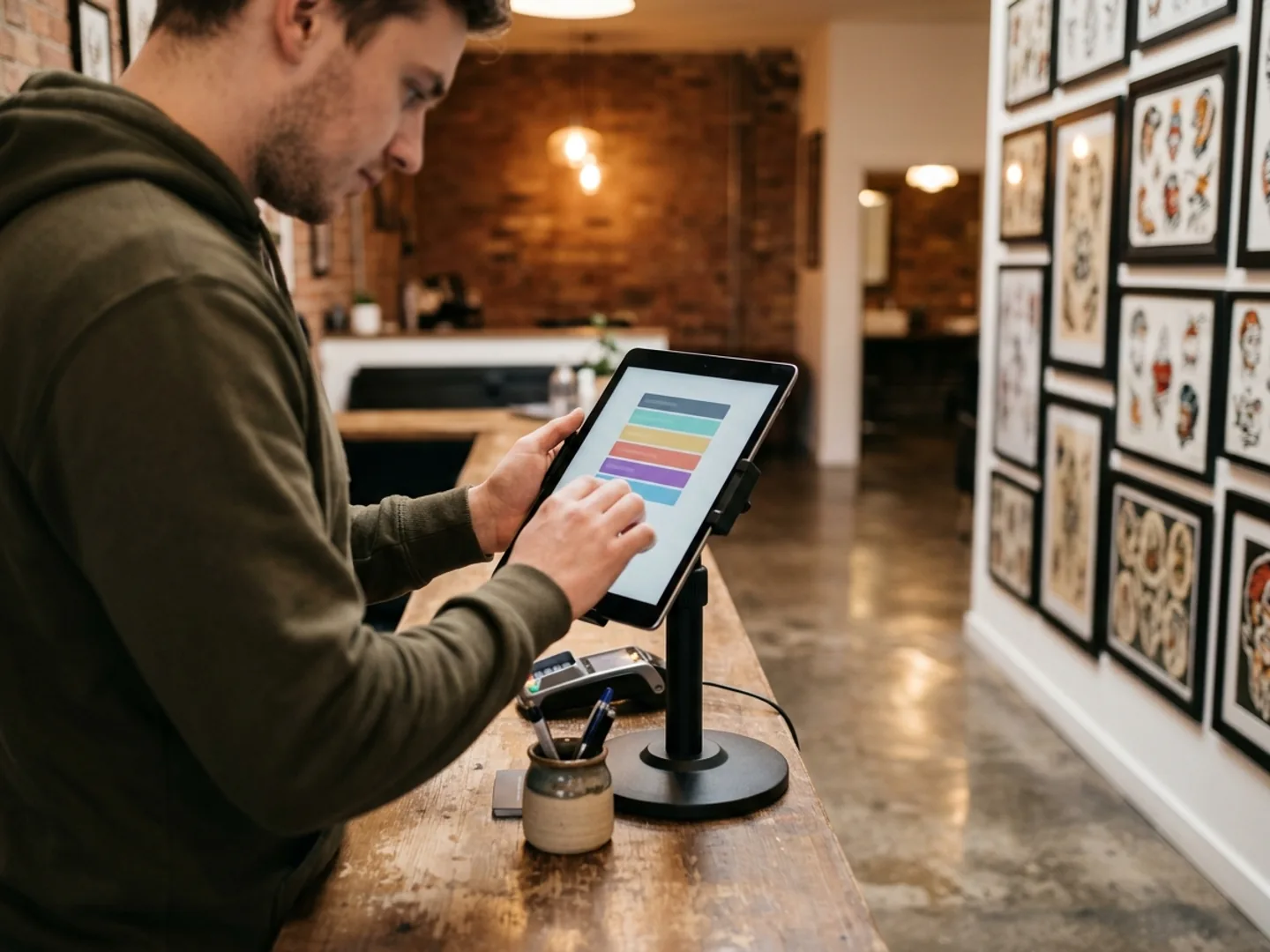
Friday flash days and Saturday piercing walk-ins are sticky notes at most studios. Names called across the floor, clients wandering off, slots given away when they didn't come back. OpenChair runs walk-ins on the same calendar as appointments. Clients scan a QR at the door or tap an iPad kiosk, choose a service, optionally pick an artist, and join the queue with a live wait estimate. When they're two ahead, their phone gets a "you're up next" SMS so they can step out for a coffee. Pre-booked sittings and walk-ins share one schedule.
From OpenChair · Walk-in queue
Guest artists
A guest artist passing through for two weeks shouldn't mean a parallel booking system, a side spreadsheet for their deposits, and a panic when they leave. In OpenChair a guest gets their own column on the same calendar with their own bookable hours, their own service menu, their own deposit rules, and their own commission split for the duration. Bookings, deposits, and payouts stay clean and separate. Clients book the guest through your storefront with the same waiver and reference workflow. When the spot ends, the column comes off, and the client history stays attached to the studio.

Guest rostered
Aftercare
Day one wash-and-wrap reminder. Day three "how's it healing" check-in. Week two touch-up window prompt. Week six healed-photo request. OpenChair gives studios editable aftercare templates and per-service sequences, with starter libraries for tattoo, piercing, and other recovery-led work. Messages send by SMS or email after a completed booking, customers can opt out of aftercare without blocking booking notifications, and check-in links let them send a note plus private healing photos back to the studio inbox.
From OpenChair · Unified inbox
Branded storefront
Fresha lists your studio alongside the shop down the road and takes 20% of every new client booking. OpenChair gives you your own domain, your artists' portfolios organised by style, your prices, deposits, waivers, and a checkout that looks like your studio. New clients arrive through you, not a directory. High-ticket sittings carry the deposit your policy needs. Photos only go public after explicit client consent. Timestamped, revocable. No 20% commission on every new client. No client confusion about whose studio they booked.

From OpenChair · Branded storefront
Owner intelligence
Tattoo studios generate signal most platforms ignore. OpenChair brings together revenue per artist and per chair, average ticket per piece, project velocity (how long a sleeve actually takes), deposit forfeit and no-show rate, commissions and tips, walk-in conversion, and AI narrative reports. Which day of the week converts walk-ins best. Which artist's projects move fastest. Which services have the worst no-show rate and need a deposit raise. No spreadsheet work.

Owner view
The operating stack
OpenChair connects projects across sittings, hourly pricing, the deposit ladder, waivers and ID, the reference vault, walk-in queue, guest spots, aftercare, payments, and owner reporting in one studio-specific workflow.
Sleeves, back-pieces, and cover-ups tracked as one project across every session. Reference brief and healed photos travel with the work.
Set an hourly rate, session minimum, and client-facing duration options. Deposits and checkout use the calculated total.
Flat fee on a consult, 50% on a full-day, 25% per sleeve sitting, card-on-file for walk-ins. Forfeit rules per service.
Conditional waivers and ID upload held against the booking. Age verification, medical, photo consent. Stored permanently against the client.
Inspiration photos, placement notes, sizing preferences captured at booking. No more screenshots in DMs.
iPad kiosk at the door, live wait estimate, 'you're up next' SMS so flash-day clients can step out without losing their spot.
Two-week guests on the same calendar with their own hours, services, deposit rules, and commission split for the spot.
Per-service healing sequences with SMS/email sends, photo check-ins, and aftercare-only unsubscribe controls.
Employee, contractor, and chair-rental side by side. Tips tracked separately from service revenue. One payroll view.
Revenue per artist, project velocity, deposit forfeit rate, walk-in conversion. AI narrative reports.
OpenChair for tattoo studios books the project, not just the appointment. Sleeves, back-pieces, and cover-ups are tracked across every sitting with hourly session pricing, deposits collected per service, age and ID checks on restricted work, references attached to the project, and aftercare check-ins that can bring healing photos back to the studio inbox. Built for tattoo and piercing studios in Australia, New Zealand, and the United Kingdom. From $34.95 AUD / $24.95 NZD / £19.95 GBP per month, capped at $199 / $199 / £99 no matter how many artists you run. Zero marketplace commission. Free 14-day trial.
Competitor contrast
Every booking platform claims an all-in-one calendar. The stronger question is who owns the client relationship, who pays for growth, and whether the system models a sleeve as one piece of work or eight unrelated appointments.
Fresha brings discovery and takes 20% of every new client booking. On a $1,200 sleeve session that's $240 you keep with OpenChair.
Vagaro, Square, and Booksy model the world as appointments. A sleeve becomes eight unrelated bookings with no shared brief. OpenChair tracks the piece.
Per-seat pricing climbs every time you bring on an artist or guest. OpenChair caps at $199/month no matter how big your team gets.
Try it free for 14 days. No commission. No card. No lock-in.

Founder-led setup
We are onboarding early tattoo studios directly. We will map your service menu, station and room inventory, deposit ladder, waiver templates, ID verification rules, hourly pricing, reference upload form, aftercare sequences, guest spot calendar, and storefront branding with you, then turn that into a working setup.
No credit card. No commission. Cancel any time.
See how we compare
Thinking about switching? See how OpenChair compares to the platforms tattoo studios use most.
Go deeper on each feature
The capabilities that run a tattoo studio, explained one at a time.
AI Concierge
Plain-language chat that knows your projects, clients, and references.
Intelligent scheduling
Stations, private rooms, and piercing rooms held as bookable resources.
Online booking + storefront
Branded booking with hourly duration choices, ID checks, and zero marketplace commission.
Aftercare sequences
Per-service SMS/email follow-ups with private healing-photo check-ins.
Commission tracking
Employee, contractor, chair rent, and tips in one payroll view.
Reporting and analytics
Revenue per artist, project velocity, deposit forfeit rate.
Want the full price across AU, NZ, and UK?
See OpenChair pricingCommon questions
OpenChair is built for tattoo studios in Australia, New Zealand, and the United Kingdom. Pricing is in your local currency (AUD, NZD, or GBP). Payments process through Stripe with Tap to Pay on iPhone and Stripe Terminal in all three regions. Calendar Closures includes one-tap import of AU, NZ, and UK national public holidays. Support runs in local hours.
OpenChair Pro is capped pricing. AU: $34.95 base + $20 per additional artist, capped at $199/month. NZ: $24.95 base + $20 per additional artist, capped at $199/month. UK: £19.95 base + £10 per additional artist, capped at £99/month. A free tier runs forever for solo artists with 5 services. Card processing is 1.8% + 30c on Pro (AU; equivalent rates in NZD and GBP). No marketplace commission, no per-SMS line item, and SMS/email/Sparks (AI credits) are included up to clear seat-based caps.
Yes. Calendar Closures includes one-tap import of AU, NZ, and UK national public holidays. State-specific holidays (Victorian Labour Day, NSW Bank Holiday, the various UK regional holidays) you add manually. Closures cascade through your bookings with options to cancel and notify, reassign to another artist, or keep on the calendar with a flag.
Yes. Multi-session pieces book as recurring series appointments, so a sleeve scheduled across six sittings goes on the calendar in one go. The client confirms once and gets a reminder before each session. The artist sees every past sitting, every reference image, every deposit paid, and every healed photo against the same client record. The work doesn't get fragmented across eight unrelated appointments. When the client comes back twelve months later for a touch-up, the full history is still there.
Yes. Deposit rules are per service: fixed amount or percentage, charged at booking via Stripe. A $100 fee on a consultation, 50% on a full-day session, 25% on a sleeve sitting, a flat amount on first-time clients. If a client cancels late or doesn't show, the deposit forfeits according to your cancellation policy. Configurable per service, so a $80 walk-in piercing doesn't get the same gate as a $1,500 full-day sit. For deposits on big pieces, the deposit can be applied across multiple sittings rather than only the first.
Yes. Services can be fixed price, price range, or hourly. For hourly services you set the hourly rate, minimum duration, available storefront durations, and optional default duration. The booking flow shows duration choices, updates the total live, checks availability using the selected session length, and applies deposits to the calculated total. Operators can adjust the duration in 15-minute steps at checkout if the session runs long.
Services can require a minimum age and an ID photo. Public booking collects date of birth when required, uploads required ID before confirmation completes, and stores the verification record against the booking. Operators can review, override, or delete ID records from the booking detail. Venue retention settings control how long ID photos are held, and the compliance report gives owners an audit-ready view. Digital waivers still cover medical history, contraindications, aftercare acknowledgement, liability release, and photo consent.
Yes. Reference uploads are part of the custom booking form on Pro. Clients submit inspiration photos, placement notes, sizing preferences, and any specific elements they want included. The references attach to the client and to the project, so every artist on the team sees the same brief before the session opens. Healed photos from earlier sittings stay against the same project, so the artist can see exactly where the last session left off. No more screenshots in DMs or images lost in a phone gallery.
Yes. Walk-in queue runs on every plan. Clients scan a QR at the door or tap an iPad kiosk, choose a service, optionally pick an artist, and join the queue with a live wait estimate. When they're two clients away, their phone gets a "you're up next" SMS so they can step out for a coffee without losing their spot. Walk-ins, flash bookings, and pre-booked sittings share one calendar. Friday flash days and Saturday piercing walk-ins stop being a sticky-note operation.
Yes. Piercing studios run on the same OpenChair workflow as tattoo studios, just with the dial set differently. Walk-in queue handles your Saturday traffic with live wait estimates and "you're up next" SMS. Digital waivers with age verification, medical history, and aftercare acknowledgement are held against the booking before the client sits down. Deposits are configurable per service, so a card-on-file is enough for a $50 lobe piercing while a heavier deposit gates the bigger work. Aftercare runs as a piercing-specific sequence, separate from the tattoo track. Stations and piercing rooms book as first-class resources, so two piercers can't accidentally claim the same room.
Yes. A guest artist runs on the same calendar as your residents with their own bookable hours, own service menu, own deposit rules, and own commission split for the duration of their spot. Their bookings, deposits, and payouts are kept clean and separate. Clients book them directly through your storefront with the same waiver and reference workflow as a resident artist. When the guest leaves, their column comes off the schedule and the client history stays attached to the studio.
Aftercare runs as per-service SMS/email sequences. A studio can seed starter templates for tattoo and piercing, edit the copy, assign a sequence to a service, and let completed bookings queue the follow-ups automatically. Messages can include check-in links where clients send a note plus 1-3 private healing photos back to the studio inbox. Customers can reply STOP AFTERCARE or use the aftercare-only email unsubscribe without blocking booking notifications.
Yes. Set per-artist compensation as commission (% of services and retail), hourly, or chair rental. A senior artist on 60/40, a junior on 50/50, a chair-renter on a flat weekly with no commission. OpenChair calculates earnings automatically on each sitting and shows each artist their own report. Tips are tracked separately from service revenue and roll through to the artist's earnings. The owner sees a consolidated payout view in Intelligence. Employee, contractor, and chair-rental arrangements all sit side by side.
Yes. Clients can book from your branded storefront without creating an account. After booking, they manage, reschedule, or cancel through secure token links sent by SMS or email. Returning clients can use a lightweight My Bookings view if they want to see their sitting history. Most tattoo clients don't want another app. They want to confirm, sign the waiver, upload the references, and show up.
Concierge is an AI chat assistant trained on your studio's bookings, clients, services, revenue, and team. You ask it questions in plain language: "who's overdue for their next sleeve session?", "which projects are stuck more than 60 days between sittings?", "draft an aftercare check-in for everyone tattooed last week", "how was Saturday compared to last month?". It answers with your real data. Concierge runs on your studio's data only, never sees other venues, and stays inside your account.
Yes. Each artist has their own portfolio on your storefront, organised by style: traditional, neo-traditional, blackwork, fineline, Japanese, realism. Photos can only be promoted to the public portfolio after explicit client consent captured at the waiver step or in a separate consent prompt. Consent is timestamped and revocable. New clients browsing your storefront can see real work and book the artist whose style fits before sending a DM. Portfolios stop being an Instagram-only asset that lives outside the booking flow.
OpenChair runs in any modern web browser (Chrome, Safari, Edge, Firefox) on Mac, PC, or Chromebook, with native iOS and Android apps for phone and tablet. Stripe Terminal handles card-present payments at the front desk. The mobile apps are designed for artists working at the station: open the project, see the reference brief, take a payment, snap a healed shot, all one-thumb. An iPad mounted at reception becomes the walk-in kiosk on flash days. The web app is where the owner-side work lives: Intelligence, configuration, the big-screen calendar.
Fresha is free up front but takes 20% of every new client booking and adds a card processing margin on top. On a $1,200 sleeve session that's $240 you keep with OpenChair. Vagaro is mobile-friendly but leans on marketplace discovery, lists rooms as a feature without modelling multi-session projects, and prices per seat so costs climb every time you bring on an artist. Booksy is strong on consumer discovery and weak on owner ops. OpenChair's angle is different: multi-session pieces as first-class projects, hourly pricing with session minimums, deposit ladders that span every sitting, waivers and ID verification before confirmation, aftercare check-ins with healing photos, branded booking with zero marketplace commission, and capped pricing. $20 per seat after the base, capped at $199/month no matter how big your team gets.
Pro includes SMS, email, and AI credit allowances that scale with your team. You get 100 SMS plus 50 per additional seat (capped at 550 per month), 1,000 emails per seat (capped at 10,000), and 500 Sparks per seat for AI features like Concierge and aftercare drafting (capped at 5,000, where 1 Spark equals 1 cent). Overage runs through your Wallet with prepaid balance and auto top-up. No per-SMS line item, no surprise bill at the end of the month.
Most tattoo studios are live within 24 to 48 hours of starting their trial. Your service menu (consultations, hourly sessions, half-day, full-day, sleeve sittings, walk-in piercings), deposit rules, age and ID requirements, waiver templates, reference upload form, aftercare sequences, and storefront branding can be configured in an afternoon. If you're migrating from another platform, we handle the client and booking history import for you in parallel. From signup to taking real bookings is usually under a week, even with a full data migration.
Yes, and migration is free. We pull your client list, service menu, artists, past appointments, and any reference or healed photos your previous system exposes into OpenChair. We support imports from Fresha, Vagaro, Booksy, Square, Timely, and GlossGenius, plus CSV exports from anywhere else. Where multi-session piece history isn't structured in your current system, we help your team rebuild it against the new client records from the first OpenChair sitting forward.
No. OpenChair is month-to-month by default. You can cancel any time from your account, and you take your data with you: client history, waivers, references, healed photos, the full set. Annual billing is available if you prefer to lock in a discount, where you pay for ten months and get twelve. Annual is opt-in, never the default.
Still working through it? The fastest way to know if OpenChair fits your studio is to try it.
No credit card. Full Pro features. Cancel any time.