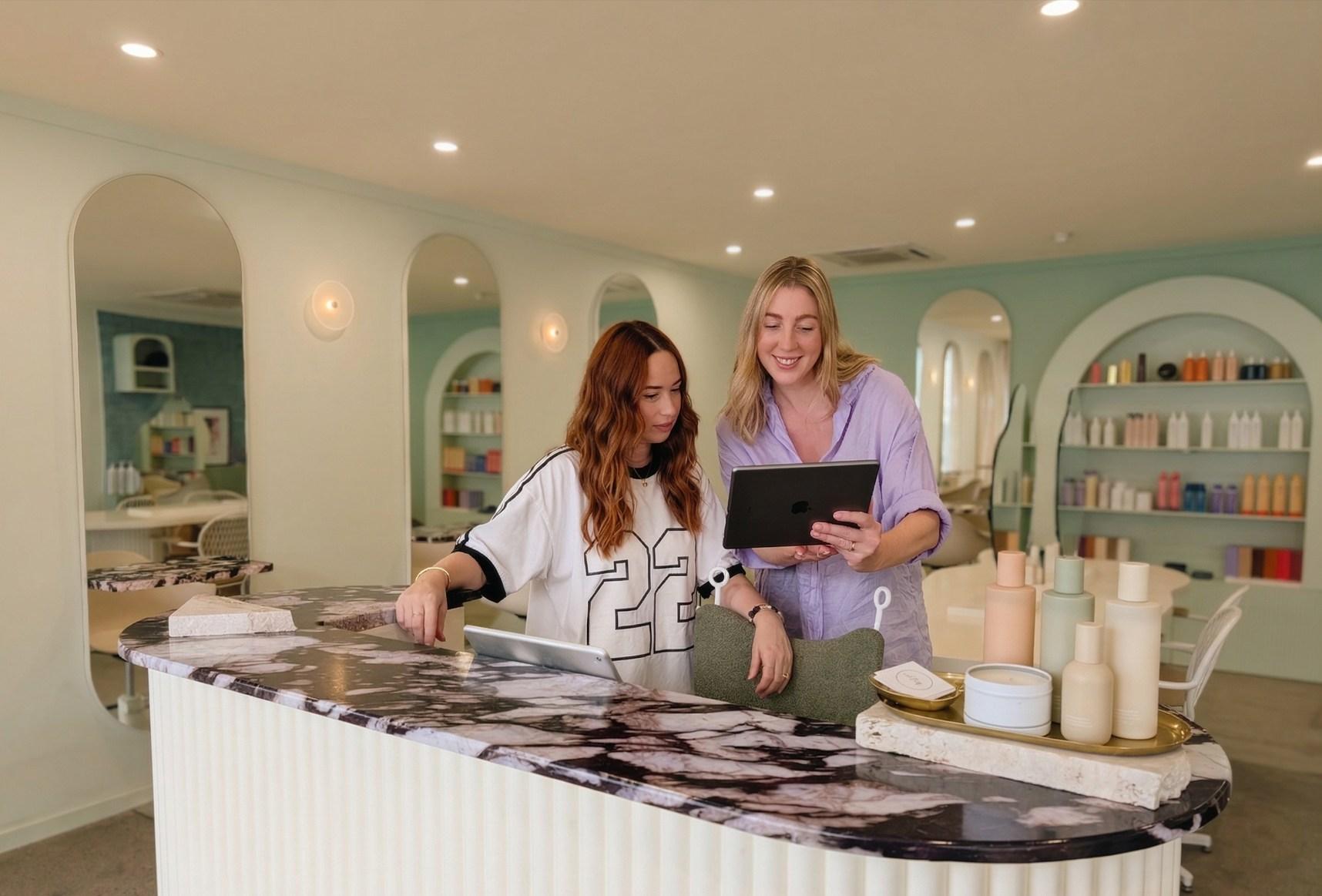
Is OpenChair suitable for a small salon with several stylists and reception?
OpenChair is designed for Australian solo operators and small teams. Each bookable stylist can have their own availability, services and booking profile. A receptionist or manager who does not take appointments can have role-appropriate access without adding a bookable-member subscription charge.
How much does OpenChair cost for four stylists and a receptionist in Australia?
Under the new Australian Pro offer, monthly billing for one venue is A$149.60 including GST: A$53.90 for the venue and first bookable member, plus three additional bookable members at A$31.90 each. The non-bookable receptionist adds A$0.00. The A$273.90 venue cap applies only to the Pro subscription; processing, payouts, paid usage, hardware and migration costs remain separate. Continuing customers may retain agreed terms; check Plan & billing for your recorded price.
How does colour processing-time scheduling work?
Configure the active work, eligible processing interval, finishing work and applicable cleanup hold within the service. OpenChair keeps the complete appointment visible and only presents compatible work that fits the eligible interval, staff availability and booking rules. The salon can keep the interval internal-only or offer it online. A processing interval does not automatically release every chair, basin or room.
Can OpenChair help recover a cancelled appointment?
Gap Fill helps an operator review the opening and suitable candidates from the relevant waitlist or recovery workflow, then choose whether to prepare and send an offer. Waitlist requests, earlier-availability opt-ins and inactive-client outreach are distinct sources. An offer still needs acceptance and the supported booking step; OpenChair does not guarantee the gap will fill.
Can staff rebook a client at checkout or create recurring appointments?
Yes. Rebook at Checkout offers live openings around the displayed four, six and eight-week options, with the preferred stylist used where available and alternatives shown for review. That creates one next appointment. An operator-created recurring series is separate. Reminders support appointments already booked, while Reconnect follows up with appropriate inactive clients.
How are colour formulas, bowls and private photos recorded?
Pro keeps structured formulas with the visit and records separate bowls and top-ups. Reusing a complete mix copies its quantities as targets; staff still record today's actual amounts. Ingredient costs depend on recorded quantities and catalogue pack data, and missing costs remain visible. Client photos stay private unless selected through the separate portfolio consent workflow.
What is required for compatible connected colour measurement?
Manual colour capture is available to eligible Pro, trial and grace-period venues. Connected readings require a supported Bluetooth scale and a compatible native app version. Confirm your scale model and app compatibility with OpenChair before purchasing hardware. A reading alone does not save a recipe, post stock or charge the client.
Can clients book a particular stylist without creating an account?
Yes. Clients can use the salon storefront or a stylist-specific booking link or QR code, then book without creating an account. Services, live availability, deposits and booking policies still apply. Pro can use a configured custom domain, and an existing website can embed the booking flow. OpenChair charges zero booking commission on storefront bookings; card-processing fees still apply.
What can staff do from phones or a shared tablet?
On supported web and native surfaces, authorised staff can check the diary, open relevant client history, handle supported booking changes and continue checkout. Personal access follows the staff member's role. A dedicated shared workstation is paired and restricted separately from a customer check-in kiosk. Tap to Pay also requires Stripe Connect, the native app, an eligible iPhone or Android device in Australia.
What is Cue, and how does it help a hair salon?
Cue is the AI assistant built into OpenChair. It helps authorised staff ask about salon information and prepare supported actions in the context of their work. When the Australian AI usage transition is active, eligible Australian Pro plans use monetary AI usage credit even if their subscription prices are retained. Monthly credit expires at reset; eligible extra usage draws from your funded Wallet. NZ and UK plans keep their existing Sparks and usage terms. Message delivery is separate from AI usage. Permissions and review steps still apply: staff review proposed booking changes, and Cue does not diagnose hair or confirm chemical suitability.
What may OpenChair AI send or change automatically?
On Pro, Smart Replies can Auto-send eligible, high-confidence SMS replies through a dedicated number in Australia and connected Instagram DMs where configured. Email replies and booking actions remain review-first. Booking Replies can propose an action for authorised review; AI does not autonomously diagnose hair, confirm chemical suitability or reschedule clients without that workflow.
What needs checking before moving salon data?
Start with an authorised export and agree which fields reasonably map, the scope, charges, timing, cutover and repeat-run handling. A service-menu request is separate from a wider migration. Formula notes may remain notes rather than structured recipes. Moving a financial record does not transfer money, saved cards or recurring payment authority.
Does paid Pro start automatically after the trial?
No. Start your 14-day Pro trial with no payment card required. A paid Pro subscription does not start automatically. Trial usage follows the allowance and expiry shown for your venue. Paid Pro monthly allowances are separate; continuing customers may have different recorded terms.