
Nail salon software · Australia, New Zealand and the UK
Make room for the next set.
Give each set the time, technician and station it needs. For your appointment-led nail studio, keep bookings, walk-ins, previous-set records and checkout close, with shared chair and table checks on Pro.
No payment card required. A paid Pro subscription does not start automatically.
OpenChair charges zero booking commission on bookings made through an OpenChair storefront. Card-processing fees still apply. See regional pricing.
Service setup and online booking
Include removal and nail-art time in the booking.
Include removal and nail art before offering a time. Required or optional choices carry their configured duration and price into the booking, then OpenChair checks an eligible technician and any required station. Here, a 60-minute manicure becomes 95 minutes and A$112.
When the choice needs a conversation
A configured choice is different from an enquiry that needs staff judgement. A photo can provide useful context, but it does not confirm the existing product, removal method or appointment length. Read the service booking options guide or see the complete online booking workflow.
Selected service
Builder gel manicure
60 min · A$82
Removal choice
Choose exactly 1
Existing product removal
+20 min · +A$18
No removal
No added time or price
Nail art
Optional
Simple detail
+15 min · +A$12
Configured booking total
95 min · A$112
Services, timings and prices are set by the salon.
Pro resource scheduling
Schedule the technician and station together.
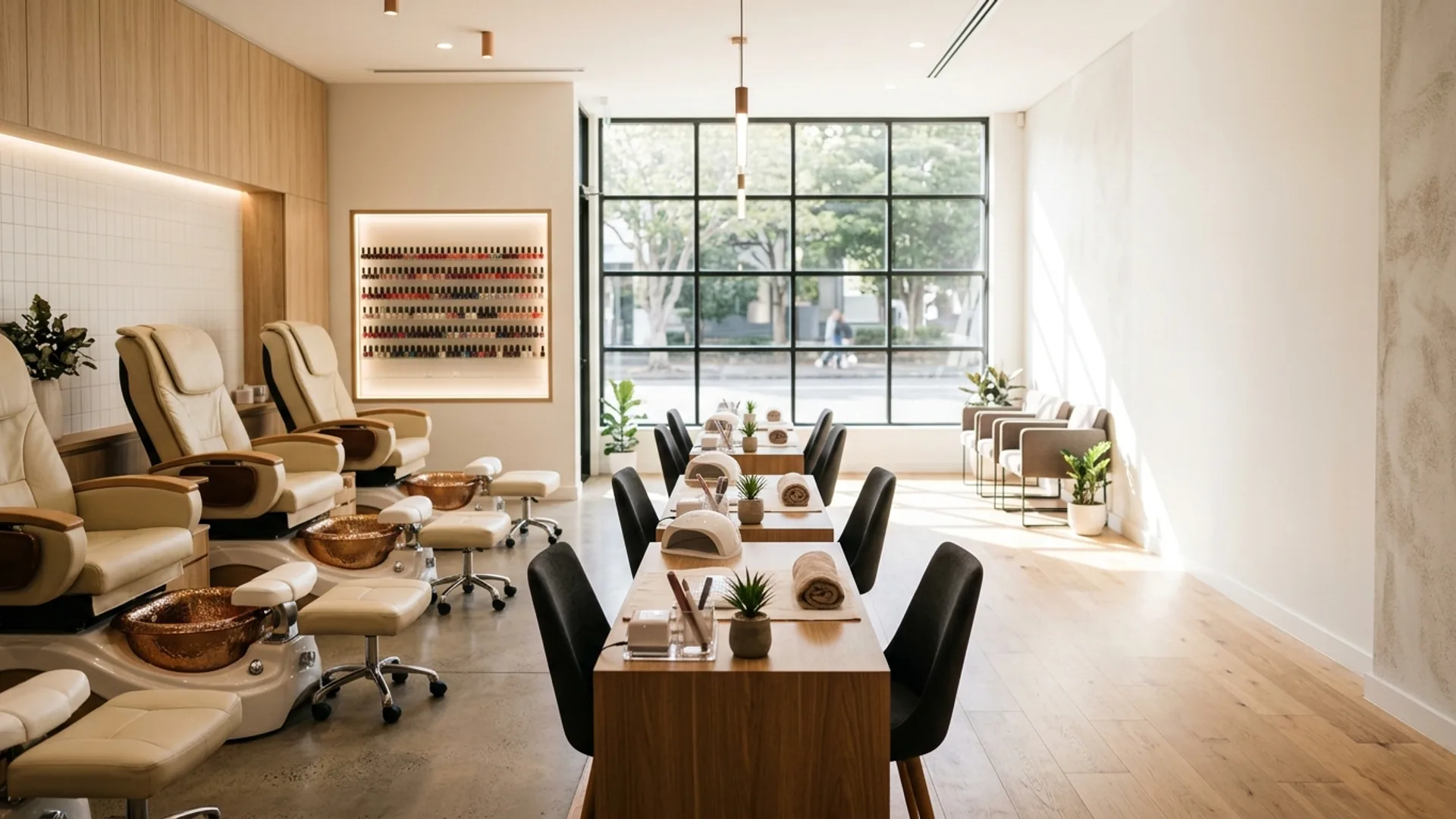
A technician can appear free while both pedicure chairs are occupied. On Pro, link a service to the chair, table, room or equipment category it requires. Public availability checks the technician and configured resource capacity together, and booking holds protect both from a conflicting booking.
Planning a visit with more than one service
Book a manicure and pedicure as one visit, with the services scheduled one after the other. If your salon needs two technicians working on the same client at once, confirm that exact booking setup with OpenChair before relying on it. Configured buffers allow time between services; they do not replace the salon’s cleaning or safety procedures. See how bookable resources work and review intelligent scheduling.
Bookable technicians
4
Pedicure chairs
2
Manicure tables
3
Scroll across the schedule to see the required station and result.
| Time | Technician | Service | Required station | Result |
|---|---|---|---|---|
| 10:00 | Ava | Pedicure | Chair 1 | Available |
| 10:00 | Maya | Pedicure | Chair 2 | Available |
| 10:00 | Noor | Pedicure | No chair | Not offered |
Optional live queue
Keep walk-ins beside booked appointments.
When the queue is enabled, clients can join from their phone, a QR code or a reception kiosk. They select an eligible service, can request a technician where offered and see a diary-aware wait estimate. The team manages Waiting, Ready and In service work alongside appointments. The operator checks current technician and station capacity before readiness and service start.
Before calling a walk-in ready
The estimate reflects the staff diary. It does not promise that every physical station has already been reserved. Eligible SMS callbacks depend on the venue's market, configuration, client contact details and available usage. Clients waiting in the venue remain distinct from those allowed to leave and receive a callback. See the walk-in queue guide.
Waiting
2Estimate shown to eligible clients
Ready
1Capacity checked before callback
In service
1Started by the operator
The client-facing wait is an estimate, not a guaranteed start time or a booked appointment.
Private client history
Bring the last recorded set into the next visit.
Pick up from the last recorded set. On Pro, the Polish Formula Library keeps each visit's formula and observations private. Your team reviews what applies today; the record does not recommend a treatment or guarantee the same result.
What a formula record can include
Application area and type, base, colour, nail-art and top-coat layers, brand and shade details, nail placement, cure or lamp notes, salon observations and a later wear outcome.
Staff can choose Use last formula from the booking, review what applies today and save a new record without overwriting the earlier visit. Private treatment photos can stay linked to the client and booking. Saving a formula does not deduct stock or charge the client. Read the Polish Formula Library guide.
Previous visit · 12 September
Hands · Overlay
- Colour
- Lumen · Mulberry 214 · 2 coats
- Placement
- All nails
- Cure note
- Salon-recorded lamp note
- Wear observation
- Recorded at follow-up
Today’s visit
Start from the last formula
Use last formula copies the previous details into a new visit record. The technician reviews today’s products, layers, placement and notes before saving.
New record
Earlier visit remains unchanged · today’s record is linked to the current booking
Public portfolio and staff profiles
Let clients book from your work and choose their artist.
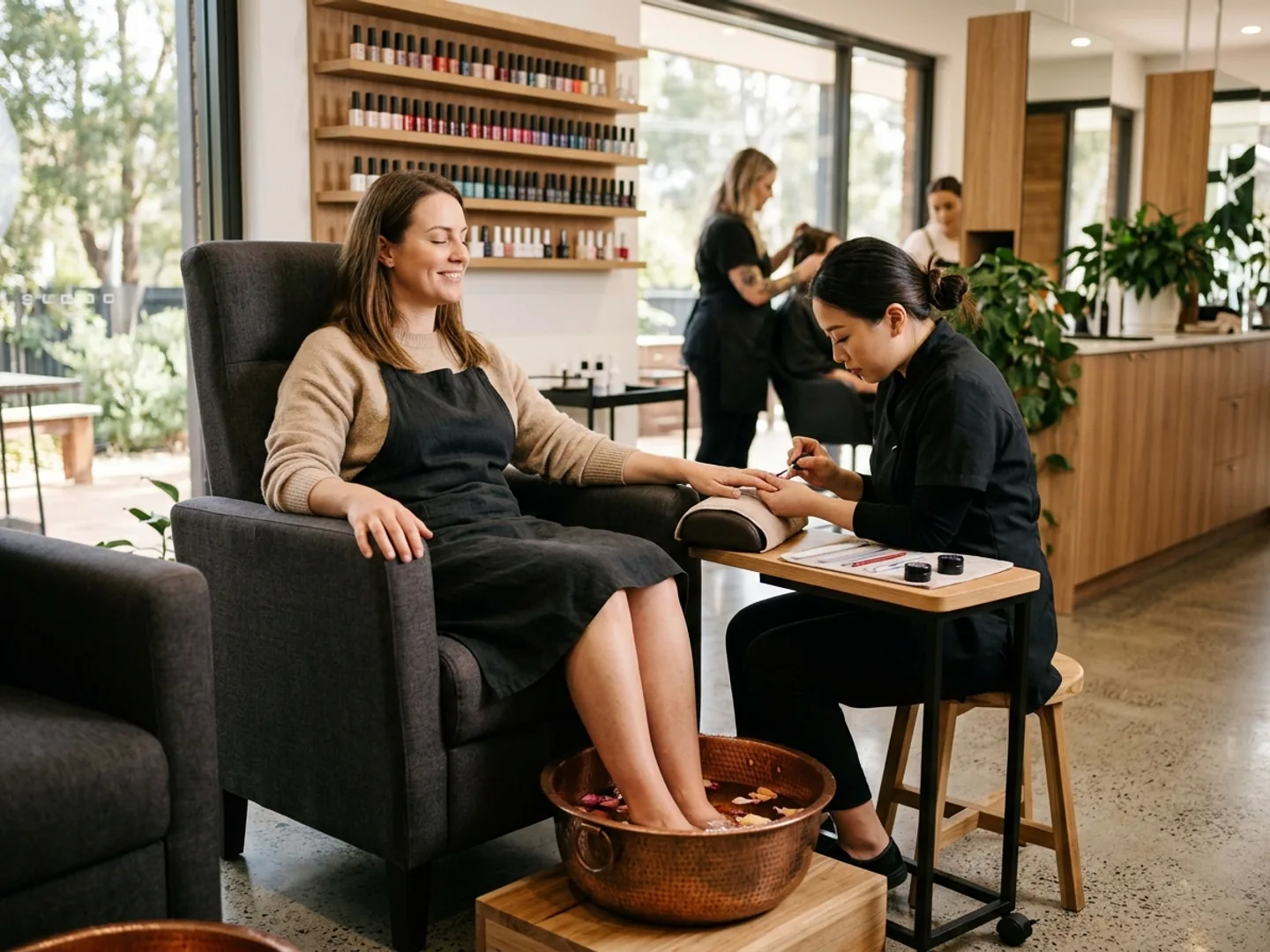
Private client records remain separate from public work. A Nail Look starts with a Portfolio image that passes the venue’s consent, visibility and publishing checks. A public Nail Look can show details about the set. Book this look can carry its image, associated service and artist into the booking flow.
Booking from a public look
The image is inspiration, not AI diagnosis or a promise of exact reproduction. If the associated service or artist cannot be used, the booking flow still requires a valid service, technician and live time. Venues can also share staff-profile links or QR codes, embed booking on an existing website and configure a custom domain on Pro. An Instagram bio link is a normal web link, not a native social booking integration. See Portfolio and Nail Looks.
Natural gloss set
- Artist
- Ava
- Associated service
- Builder gel manicure
The image, service and artist provide booking context. Live availability, configured pricing and the final service selection still apply.
Next visits and cancellation recovery
Arrange the next appointment before the client leaves.
Book one next visit
Rebook at Checkout shows live openings around four, six and eight weeks. It prefers the previous technician where available and says when they are unavailable before offering other times or an any-technician option. Staff review the client, service, time, total and any deposit or card-protection requirement before creating the next appointment.
A recurring series, reminder for an existing booking and configurable Reconnect follow-up are separate workflows. The salon and client choose the maintenance routine. OpenChair does not decide when a client’s nails require treatment.
Find a suitable client when an appointment cancels.
Gap Fill helps an operator review an opening and suitable people from the relevant waitlist or recovery workflow, then decide whether to prepare and send an offer. Waiting walk-ins, earlier-appointment requests and inactive clients remain distinct audiences.
A suggestion is not an offer, and an offer is not a confirmed booking. An earlier-appointment proposal must not silently move the client’s existing visit. Read about the waitlist workflow.
Personal access, shared workstations and kiosks
Use the diary and client record from your phone or tablet.
Authorised staff can use the diary, relevant client history, booking changes and checkout through the web or native apps on supported devices. Available actions depend on the device and each staff member’s role. Shared workstations keep access restricted, while client check-in kiosks do not expose private client records.
Tap to Pay, where used, requires Stripe Connect, the native app, a compatible phone and regional support. A tablet checkout view does not make Tap to Pay available on every tablet. See the mobile checkout conditions.
Next appointment · 2:15 pm
Payments, retail and reporting
Keep checkout, stock and technician reporting connected.
Complete the visit
Review the booked service lines, a retail item such as cuticle oil and any eligible deposit before taking the remaining balance. Supported OpenChair payments and payments taken elsewhere are recorded differently.
See checkoutKeep stock distinct
Retail sales can change product stock. Products recorded as used during a service follow their own workflow. A private polish formula does not automatically deduct measured quantities, calculate full service profit or add a client surcharge.
Review products and retailAttribute paid work
Paid service and product lines can feed commission reporting with venue defaults and supported staff overrides. Different service lines can have different technicians; that does not split one line among several people. Reports remain separate from payroll and payouts.
See commission trackingAs the team grows, configure each technician’s staff access, schedule, service assignments and individual booking route. A non-bookable receptionist can have role-appropriate access without adding a bookable-member subscription charge.
AI with configured authority
Set clear rules for routine replies.
Routine enquiries include requests for your booking link and questions about the studio information you have published. On Pro, Smart Replies can Auto-send eligible, high-confidence SMS replies through a dedicated number in Australia or the United Kingdom and connected Instagram DMs where configured. Email replies and booking actions remain review-first.
SMS is not offered in New Zealand. Owners choose authority by intent, and disclosure, confidence, quiet-hours, velocity and safety controls can move a reply to Draft or escalation. Assistant can answer supported venue questions and prepare actions for review. It does not diagnose nail health, assess chemical compatibility, answer the phone, use WhatsApp or autonomously approve a complex service choice. Review the AI controls and boundaries.
Australia · Monthly billing
What four technicians and a receptionist pay.
The venue and first bookable technician are A$34.95. Three more bookable technicians at A$20.00 each bring the monthly total to A$94.95 including GST. The five physical stations do not count as subscription members, and a receptionist who does not take appointments adds no bookable-seat charge.
The A$199.00 venue cap applies to the Pro subscription. Card processing, payouts, eligible paid usage, optional hardware and migration charges are separate. A solo artist pays the venue and first bookable-member price. Check current AU, NZ and UK terms on the pricing page.
- Venue and first bookable member
- A$34.95
- Three additional bookable members
- 3 × A$20.00
- Non-bookable receptionist
- A$0.00
- Monthly Pro subscription
- A$94.95
Including GST.
Setup and migration
Map the salon before changing the booking link.
Set up the service menu, booking choices, technician eligibility, stations, policies and team access before cutover. For an assisted import, confirm the source export, field mapping, data quality, scope, charges, cutover plan and any repeat run with OpenChair first.
Notes do not automatically become structured Polish Formula records, and private photos remain separate from Portfolio images and consent. Future appointments, deposits and gift-card balances need their own reconciliation. Moving a financial record does not transfer funds, stored card details or payment authority. Read the switching guide.
Read the OpenChair and Fresha comparison before switching.

Questions from nail businesses
Evaluate the workflow before you switch.
Can an appointment-led solo nail artist use OpenChair?
Yes. A solo artist can use online booking, client records, checkout and rebooking without enabling the walk-in queue or physical-resource scheduling.
How are technicians and physical stations checked?
On Pro, OpenChair checks the technician's configured service eligibility and any required resource capacity before offering a public time, then holds both through booking. Eligibility is venue configuration, not certification.
Can a manicure and pedicure be booked as one visit?
Yes. A combo can book a manicure and pedicure one after the other, with the configured technician checks and, on Pro, the required chair or table checks. Confirm support with OpenChair before relying on a setup where two technicians work on the client at once.
How do removal and nail-art choices affect booking time?
Each selected booking option keeps its configured price and duration, so OpenChair recalculates the total, appointment length and eligible times. The salon controls the choices and labels.
How does the live walk-in queue work?
Clients can join by link, QR code or kiosk. The diary-aware wait is an estimate, not a booked start. Staff check technician and station capacity before readiness or service start.
What can be recorded about a previous set?
The private Polish Formula Library records layers, brand and shade details, placement, cure notes, observations and wear outcomes. Staff can reuse the last formula without replacing the earlier record.
How do private photos differ from public Nail Looks?
Treatment photos and formulas are private records. A Nail Look comes from a consented, publishable Portfolio item and can carry its image, service and artist into booking, subject to live availability and final selection.
How can staff arrange repeat appointments?
Rebook at Checkout shows live openings around four, six and eight weeks and prefers the previous technician where available. Recurring series, reminders and Reconnect follow-ups remain separate workflows.
What can the team do from phones or shared tablets?
Authorised staff can use the diary, relevant client history, booking changes and checkout where their device and role support them. Shared workstations keep access restricted, while client check-in kiosks do not expose private client records.
How do checkout and technician commissions work?
Checkout can include services, eligible deposits and retail. Commission reporting uses attributed, paid line items with supported overrides. It does not split one line among several technicians or operate payroll and payouts.
What does Pro cost for four technicians and a receptionist in Australia?
Monthly Pro is A$94.95 including GST: A$34.95 for the venue and first bookable member, plus three at A$20.00 each. A non-bookable receptionist adds A$0.00. The A$199.00 cap excludes processing, paid usage, hardware and migration.
What needs checking before switching?
Agree the authorised export, fields, quality, scope, charges, cutover and repeat runs. Structured formulas, private photos, appointments, deposits and gift-card balances need explicit mapping and reconciliation; financial records do not transfer funds or payment authority.
Test the complete visit in your own setup.
Configure services, technician eligibility and the stations your salon actually uses, then review booking, client history and checkout together.
No payment card required. A paid Pro subscription does not start automatically.