How to Choose Salon Software for a Small Hair Salon in Australia
Compare salon software using six practical tests for colour, scheduling, checkout, profitability, switching and the real cost of your team.
OpenChair Journal
Guides and product updates for operators across hair, barbering, beauty, nails, wellness and tattoo businesses.
Archive
12 articles
Compare salon software using six practical tests for colour, scheduling, checkout, profitability, switching and the real cost of your team.
Review appointment history, colour notes, photos, forms and balances before moving salon software, with clear limits around what an import proves.
Understand the difference between a deposit, card protection, a cancellation request and a completed payment in OpenChair.
Set up an OpenChair front-desk browser with individual PIN access, restricted tools and a clear lock-and-handover routine for the team.

Share your salon’s reception computer with individual staff PINs, limited booking and client tools, and automatic locking in OpenChair.
Choose the right structure for service options, multi-service visits, prepaid appointments and recurring client benefits in OpenChair.
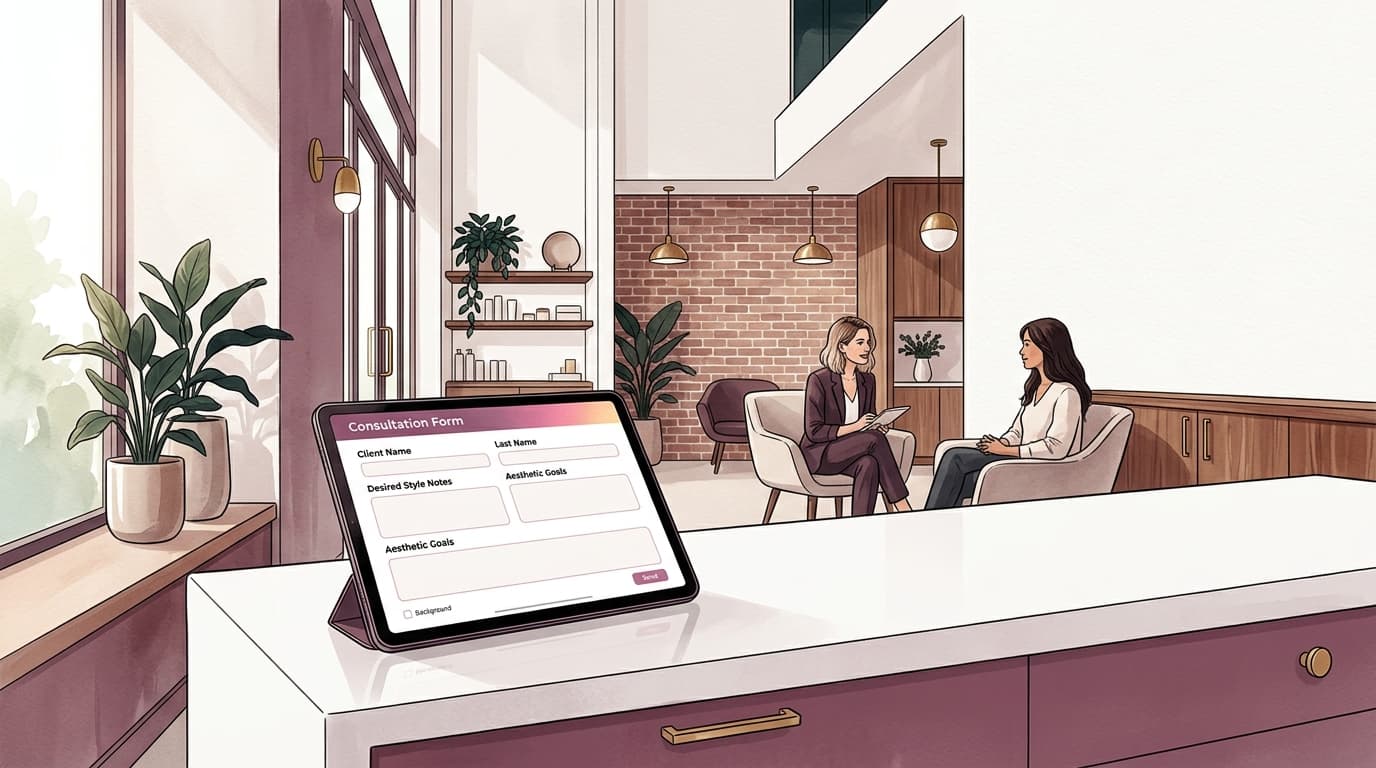
Plan useful consultation questions, review completed responses and keep client forms retrievable without treating a signature as automatic clearance.

See how waitlist matching, offers, client responses and confirmed bookings fit together when an appointment opens up.

Learn how active work, processing, finishing and cleanup fit together before making eligible time available for another salon booking.

See which OpenChair replies can Auto-send on supported SMS and Instagram, which stay as drafts, and which booking actions need review.
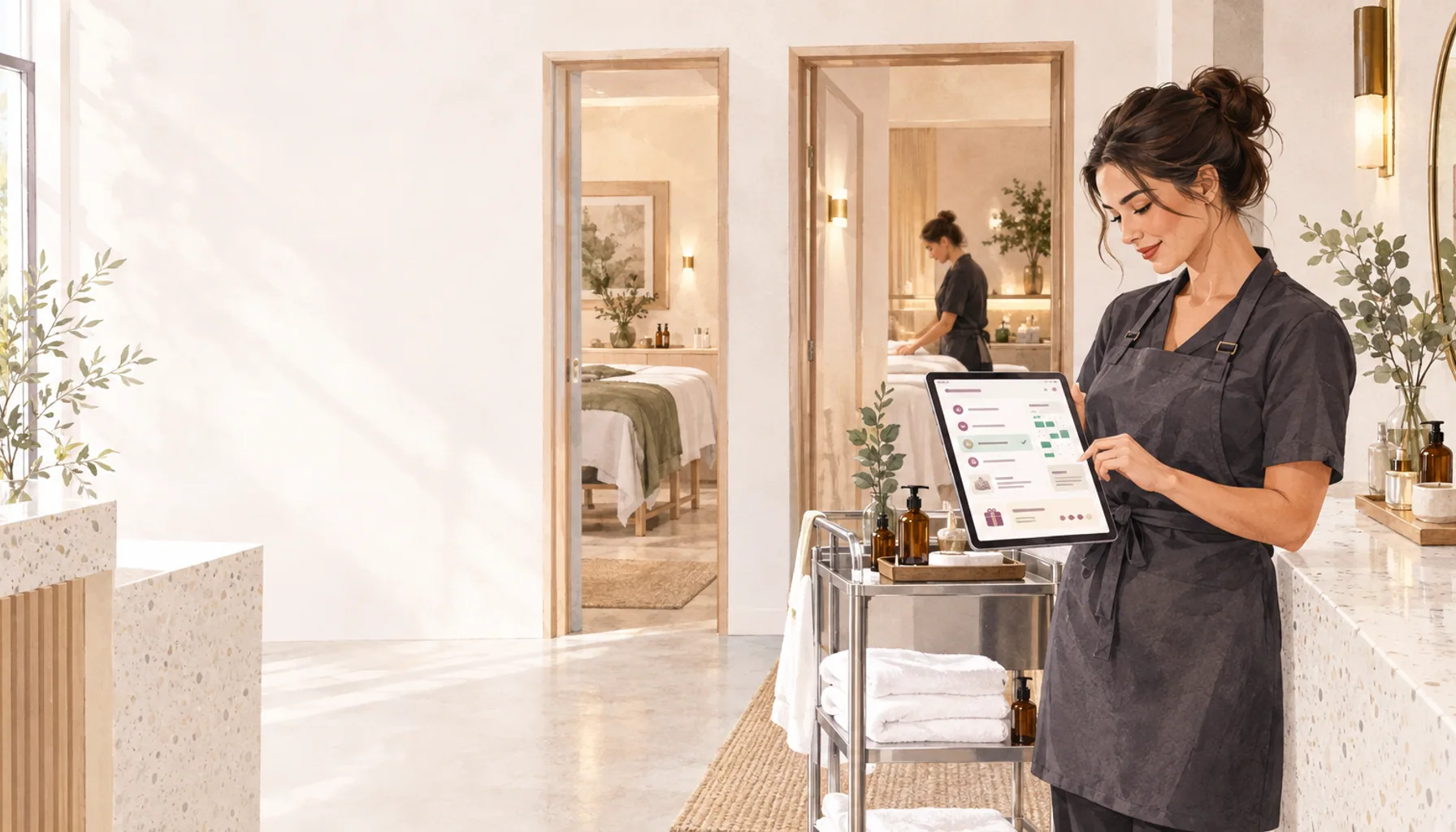
Book several services together, check room availability and let clients use existing prepaid packages online in OpenChair’s late-March update.
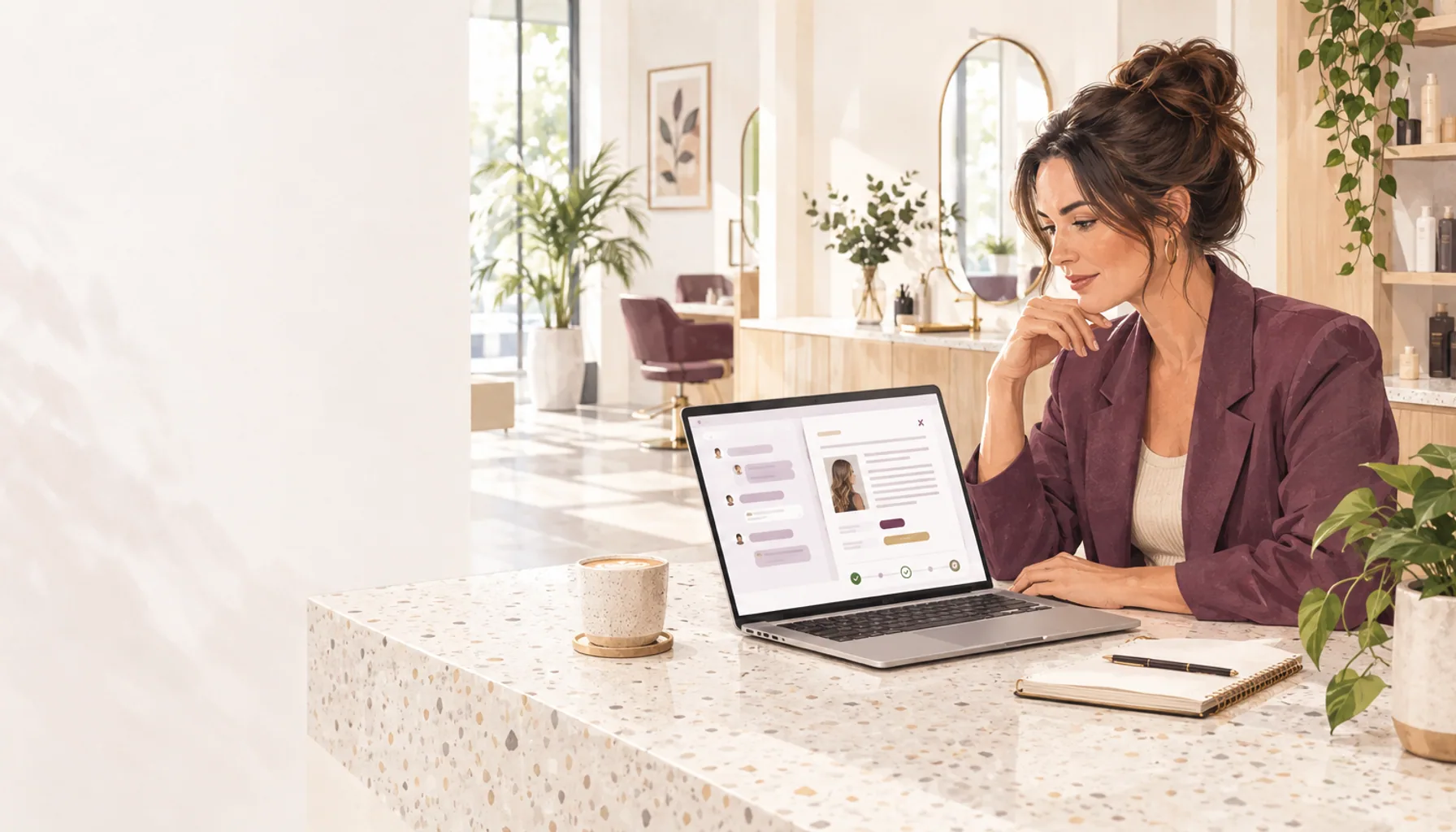
Pick up earlier Assistant conversations, review reply and offer drafts, and keep follow-up campaign approvals with the discussion in OpenChair.