New in OpenChair: June 2026 Release Notes
OpenChair's June 2026 release notes cover booking, packages, memberships, client records, payments, mobile workflows, and reliability.
On this page

OpenChair's June 2026 release notes cover booking controls, packages, memberships, richer client records, payments, inventory, mobile workflows, and early group tools. Since the 4 June release notes, the product has moved from booking improvements into broader day-to-day operations: how services are sold, how client context follows the team, and how money, stock, and multi-location work are handled.
This update is not a technical changelog. It is the operator version: what changed, why it matters, and where it should make the day feel easier for salon, barber, beauty, tattoo, wellness, and clinic-style teams.
The short version: OpenChair now gives operators more control over how bookings are shaped before they land, more ways to sell packages and memberships, stronger client records, clearer payment workflows, and a mobile app that handles more of the work where the team actually is.
Booking now handles more real-world appointment shapes#
Most booking tools are comfortable when a service is simple: one client, one staff member, one slot, one price.
Real businesses are messier than that. A colour appointment may include active work, processing time, and cleanup. A tattoo or beauty visit may need consultation-first intake. A group booking may need careful service order. A solo operator may work from different locations on different days. A treatment may need a room, machine, or chair as much as it needs a staff member.
OpenChair now handles more of that complexity inside the booking flow instead of leaving operators to patch it up after the client has booked.
Recent booking updates include:
- Appointment-only days: owners and managers can make whole-venue all-day blocks request-only. Public booking stops showing self-bookable slots for that day and sends the client into an enquiry handoff instead.
- Staff online booking weekday policies: a provider can work on a weekday without being self-bookable online that day. Useful for admin days, consultation days, training days, or request-only specialists.
- Segmented staff scheduling: services can preserve staff-work and processing segments so OpenChair does not assume one staff member is doing every minute of the appointment.
- Split-provider booking optimisation: eligible segmented services can be spread across providers when the venue allows it.
- Booking itinerary editing: operators can change the order and timing of multi-service bookings, preview staff or resource conflicts, and duplicate bookings with the same plan.
- Delayed booking confirmation outbox: operator-created bookings can sit briefly before customer-facing messages go out, giving the team a chance to review details first.
The practical result is fewer "we need to fix this manually" moments. The booking can carry more of the truth from the start.
Services, packages, and pricing are more flexible#

OpenChair's service setup has grown from a simple menu into a more complete commercial model. If you are still shaping the basics of your menu, the salon service menu pricing guide explains the pricing and structure decisions behind a profitable service list.
Operators can now shape how services are presented, priced, grouped, booked, and sold upfront.
The main changes:
- Service family options let a venue group related services into one customer-facing card. A "Haircut" family can contain different options without turning the storefront into a long list.
- Bookable service combos let owners package two or more services into one bookable offer with a combo price. The client books the combo from the Services section and OpenChair expands it into the right appointment lines behind the scenes.
- Prepaid packages let Pro venues sell buy-now, redeem-later service packs online through the storefront, assign packages to clients, track balances, redeem at checkout, and expire unused balances through the daily lifecycle.
- AI package pricing suggestions help owners sanity-check package pricing while creating a service pack or combo package.
- Staff-level service pricebooks let Pro venues price services by staff level instead of relying only on one base price or manual overrides.
- Custom staff levels let venues define the levels that match their team, then use those levels for pricing and service assignment.
- POA and consultation-first service access let high-variance services stay visible online without pretending every client can book instantly at a fixed price.
This matters because pricing, packaging, and booking rules are not admin details. They decide whether an appointment is profitable before it ever reaches the calendar.
Client records are becoming a better working memory#
Good client records should save the team from asking the same questions twice.
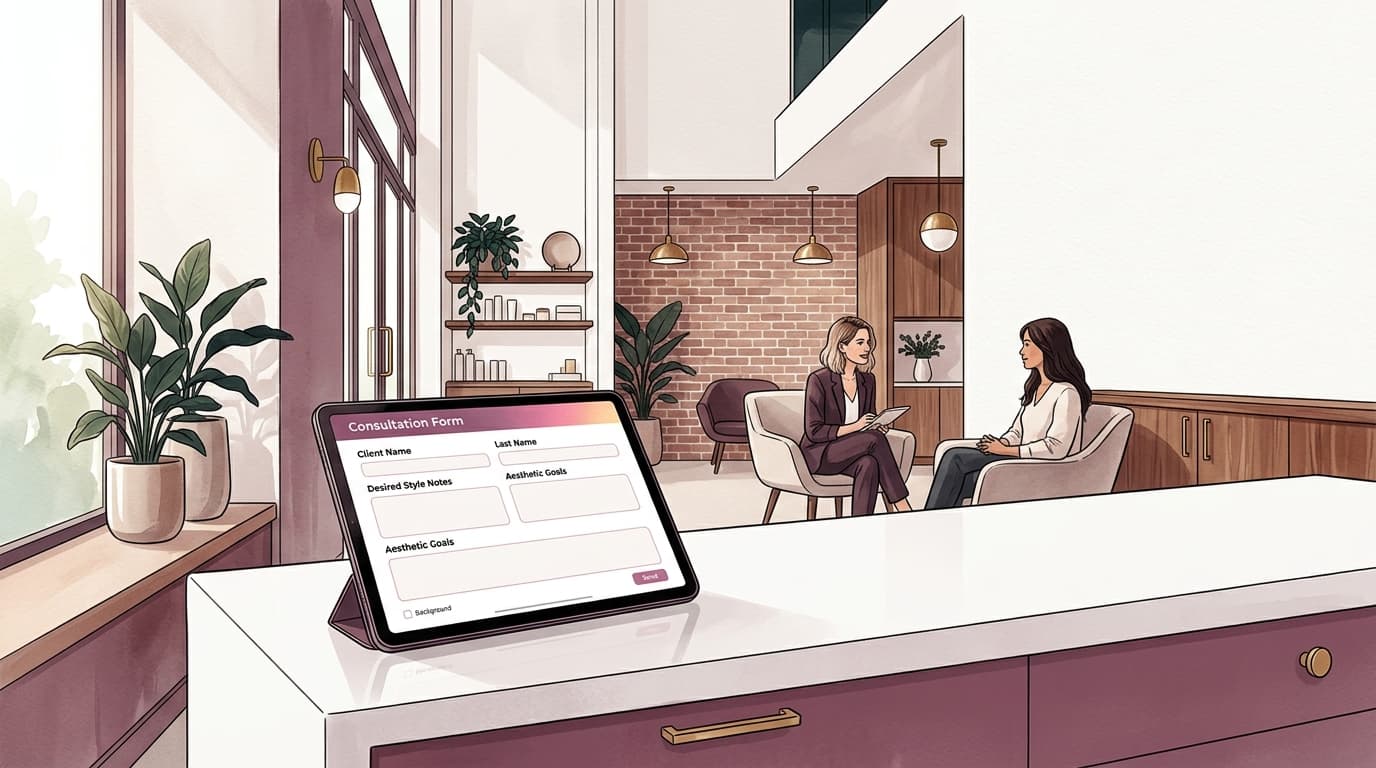
Recent updates push OpenChair closer to that goal, especially for operators who need clinical, creative, or compliance context close to the appointment.
New and improved client-record features include:
- Treatment photo timelines for private per-visit records, including single, before-and-after, and front-and-back photo sets.
- Treatment photo audit logs so note edits and soft-deletes have a clearer record.
- Treatment pieces for tattoo studios that need to connect photos to an in-progress multi-session piece.
- Colour formula history on web and mobile, with recent-shade autocomplete and a cached summary for the client profile.
- Patch test records on web and mobile, with result, expiry, and booking-flow warnings when a relevant service needs a valid test.
- Customer communication preference centre so customers can manage optional marketing, aftercare, reconnect, waitlist, and browser-push preferences from a signed venue-branded link.
The useful part is not just storage. It is context in the moment: the booking detail, the client profile, the inbox, and mobile surfaces can carry the information staff need before they act.
Payments and selling are catching up to the front desk#
Payments are not just "take the money". They include deposits, card-on-file rules, refunds, disputes, store credit, gift vouchers, packages, memberships, till close, and stock. For operators comparing systems, the OpenChair pricing page gives the commercial model behind these workflows.
That work has become broader and more connected.
Recent payment and commerce updates include:
- Memberships for Pro venues, sold through Stripe-hosted checkout on the public storefront, with monthly credits, member badges, pause/cancel workflows, and checkout redemption.
- Gift vouchers that cover custom amounts, service vouchers, and package vouchers, with online purchase, recipient details, printable output, balance lookup, and checkout redemption.
- Operator-created deposit requests so staff can send, copy, resend, cancel, or skip a secure booking protection link for an existing booking.
- Booking Protection now separates Deposit Upfront from No-show Card Protection, so venues can either collect money at booking time or save a consented card for no-show or late-cancellation fees.
- Payment Issues give refund, reversal, store-credit, forfeit, and dispute work a persistent place to live.
- Stripe dispute alerts turn dispute webhooks into emails and linked payment issues instead of leaving the team to discover them later.
- Tap to Pay on iPhone and Android is now part of mobile checkout for eligible venues, alongside cash, external card, and terminal flows.
- External card provider management helps checkout and till close separate Stripe card payments from non-Stripe card takings.
The direction is clear: OpenChair is becoming a stronger operating system for the money side of the business, not just a booking calendar with payments attached.
Retail stock and supplier ordering are more operational#

Retail and professional-use products now have more of the stock-control machinery teams expect.
OpenChair supports products as checkout line items, with SKU and barcode capture, images, supplier and cost details, tax treatment, product categories, stock levels, and stock adjustment history.
The newer operational layer includes:
- Inventory review with low-stock and missing-setup filters.
- 30-day sales velocity to help owners see what is moving.
- Supplier orders that can start from low-stock products or a blank order, then move through draft, ordered, received, backordered, or closed-short states.
- Stocktakes for owner and manager count workflows, with mobile barcode-assisted counting for active stocktakes.
- Service product usage so professional-use products can be connected to services, decremented at checkout, and included in service profitability reporting.
For product-heavy salons, beauty rooms, and clinics, this is the difference between knowing what sold and knowing what needs to be ordered before the shelf is empty.
Mobile now carries more daily work#
The mobile app has picked up a lot of the operational load.
Recent mobile improvements include:
- Mobile booking operation panels for reschedule, edit services, edit party size, adjust end gap, counter-offer, duplicate, quick SMS, and quick email.
- Resource and staff calendar modes so mobile calendar views can better match how the team works.
- Mobile client bulk actions for selecting clients, tagging, exporting, saving audiences, adding to campaigns, and sending one-shot messages where available.
- Mobile product flows for product creation, barcode scanning, stocktake counting, and checkout product selection.
- Mobile Tap to Pay setup and payment handling for supported devices and countries.
- My Hours so staff can review their own clock-in history and hand correction requests to a manager.
- Mobile settings architecture that brings more web settings into clean native settings surfaces.
The pattern is important: mobile is not just a companion viewer. It is becoming a working surface for bookings, payments, clients, stock, staff, and messages.
Group and multi-location tools are taking shape#
Multi-location operators need a different kind of visibility. They do not just need one venue's calendar. They need to know what is happening across locations without breaking each location's local setup.
Recent group work includes:
- Group storefronts for Pro operators who want a public multi-location booking page.
- Multi-venue reporting with group operating views, location filters, comparison rows, print views, and CSV exports.
- Group roster overview for cross-location coverage context.
- Group email template and Brand Block governance so a multi-location brand can keep campaign design consistent.
- Group admin billing and usage views for read-only finance visibility across linked locations.
- Group admin audit, people, reporting, policy, and operations foundations behind rollout controls.
Some of this is still gated for controlled rollout, but the direction is now visible: OpenChair is growing from single-venue management into multi-location operations without forcing every location into one rigid setup.
The product is also getting easier to start#
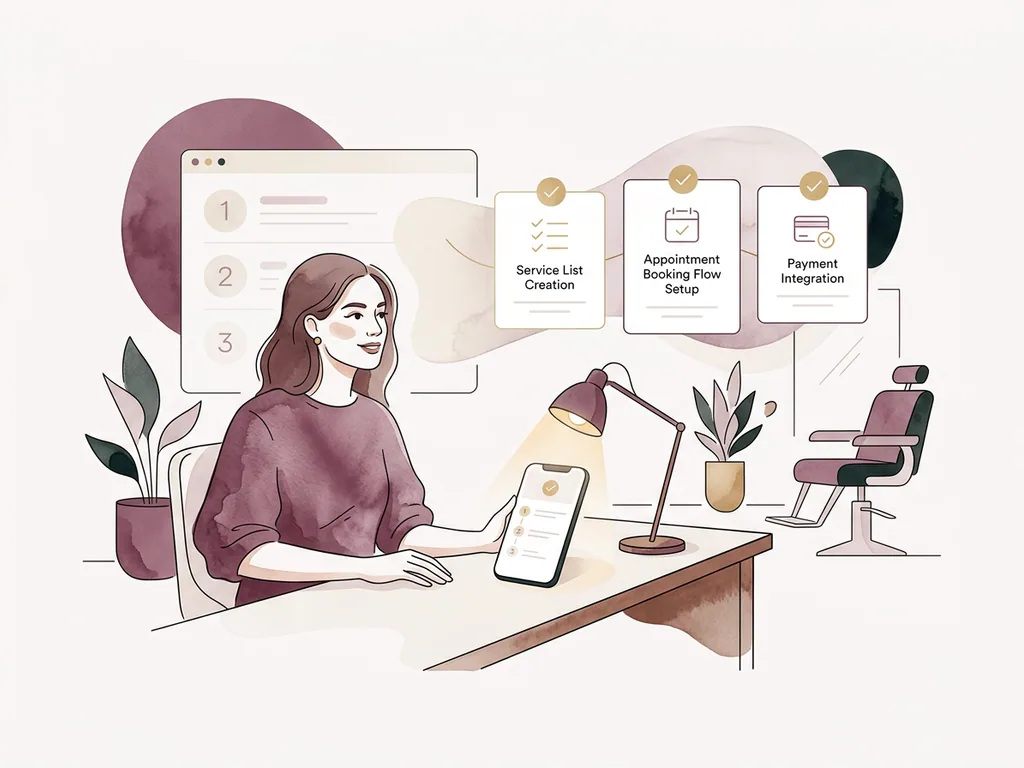
A lot of recent work has gone into first-time activation.
The new setup flow is built around one practical goal: get the first bookable slot live.
Instead of treating payments, AI service generation, staff invites, and every advanced setting as first-run blockers, the setup path now focuses on:
- business basics
- a ready-to-edit starter service menu
- bookable availability
- booking mode
- the first usable online slot
Support-managed service import is also clearer. If an owner has a Fresha, Timely, Vagaro, Square, Shortcuts, or other booking page URL, they can submit it as a managed import request instead of trying to rebuild everything manually on day one. The goal is the same as the branded booking page work: make the client-facing booking experience feel ready quickly, then refine it with the operator.
That matters because setup should not feel like building the whole business again. It should get the venue to a working booking flow, then let the operator refine from there.
A few quieter reliability improvements#
Not every release should be a headline feature.
There has also been a lot of work on reliability, safety, and operational clarity:
- stronger calendar-sync retry and cleanup behaviour
- better notification routing into safe web and mobile destinations
- clearer SMS delivery-failure alerts
- push notification health tracking and recovery
- better trial-ended and billing-lock recovery surfaces
- safer service archive and restore behaviour
- improved account, support, and revenue tooling for the OpenChair team
- stronger content tooling so future product updates are easier to produce consistently
These are the changes that make the product feel calmer. Fewer silent failures. Fewer support surprises. More state visible where someone can act on it.
What this means for operators#
The main shift is that OpenChair is becoming less generic.
It understands more of the real shape of a salon, barbershop, clinic, tattoo studio, or beauty business: packages, treatment records, processing time, request-only days, staff-level pricing, stock, deposits, memberships, vouchers, mobile operations, and multi-location visibility.
That is the work that matters. Not more buttons for the sake of it, but more of the business model represented accurately in the product.
There is still more to do. But the product has moved a long way since the last release notes.
The most important change is this: OpenChair is no longer just helping clients book. It is helping operators control the work before, during, and after the booking.