
How to share the salon reception computer without sharing an owner login
Set up an OpenChair front-desk browser with individual PIN access, restricted tools and a clear lock-and-handover routine for the team.
OpenChair Journal
Practical articles for salon and barbershop owners, with ideas for the working day and updates from OpenChair.
Browse the how-to guidesArchive
61 articles
Set up an OpenChair front-desk browser with individual PIN access, restricted tools and a clear lock-and-handover routine for the team.

Share your salon’s reception computer with individual staff PINs, limited booking and client tools, and automatic locking in OpenChair.
How to build a direct lash and brow booking journey around your studio, artists, services, policies and client relationship.
What changes as a waxing studio adds therapists, treatment rooms, shared client records, booking routes and commission tracking.
Compare direct and marketplace booking by client source, artist preference, booking experience and full cost, without confusing commission with processing.
Work through a 90-minute spa cancellation, compare suitable clients and keep therapist, room, offer and booking checks separate.
A practical guide to balancing bookings and walk-ins without losing track of barber availability, wait times or client preferences.
Help lash and brow clients return to the artist they know with direct booking links, QR codes, profiles and shared studio client context.
Keep patch-test dates, recorded results and product notes useful across lash and brow appointments, without treating a software status as safety clearance.
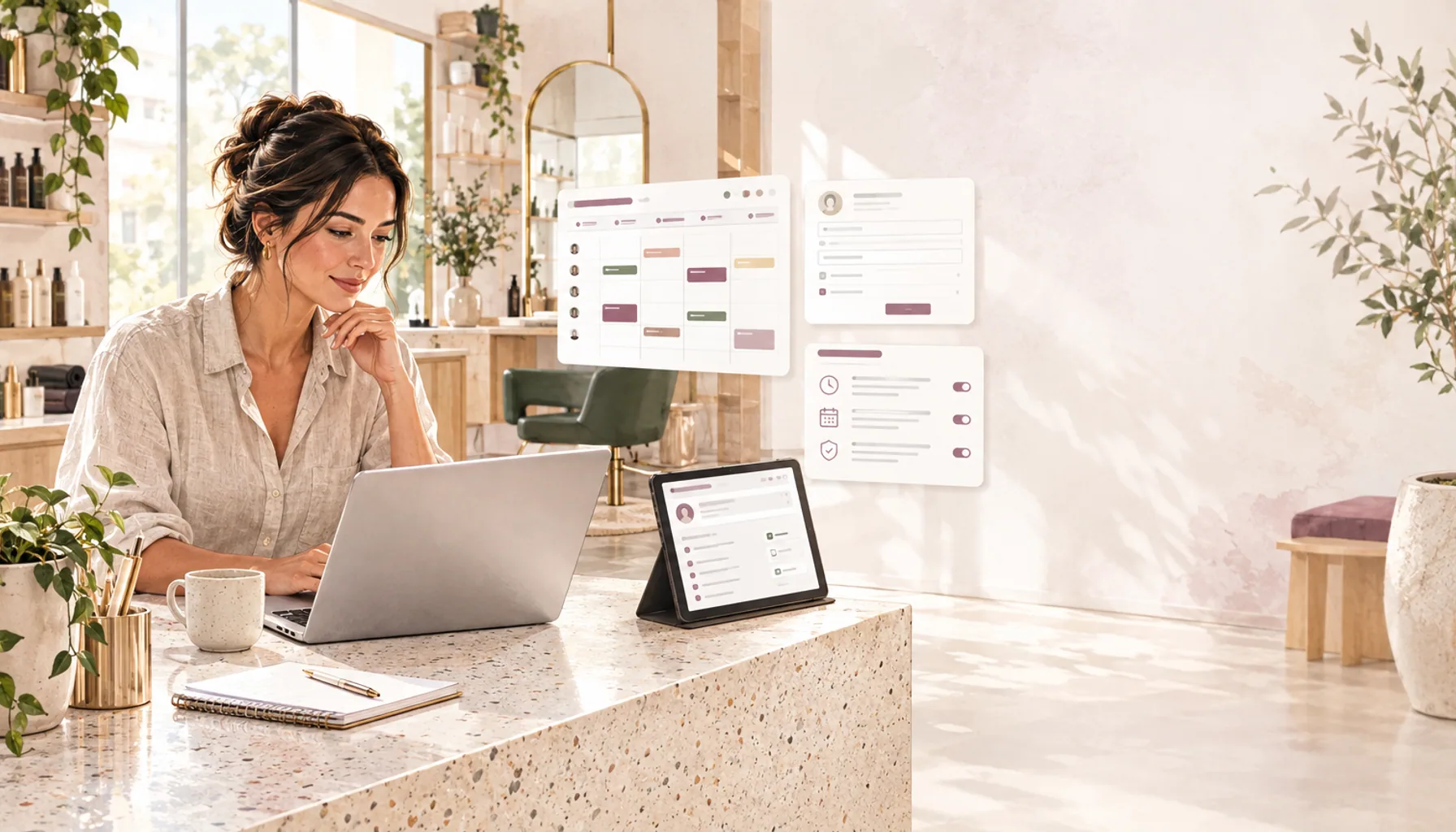
Draft salon consultation forms with AI, filter your team’s calendar and show clients your booking policies before they confirm an appointment.
What to keep in a lash and brow client record, from visit history and artist notes to private photos, forms and patch-test records.
Choose the right structure for service options, multi-service visits, prepaid appointments and recurring client benefits in OpenChair.