

New in OpenChair: processing gaps and client follow-up | 1–14 April 2026
See colour processing time in your calendar, review clients due for a follow-up and check no-show fee payments from the booking in OpenChair.
OpenChair Journal
Practical articles for salon and barbershop owners, with ideas for the working day and updates from OpenChair.
Browse the how-to guidesArchive
61 articles
See colour processing time in your calendar, review clients due for a follow-up and check no-show fee payments from the booking in OpenChair.
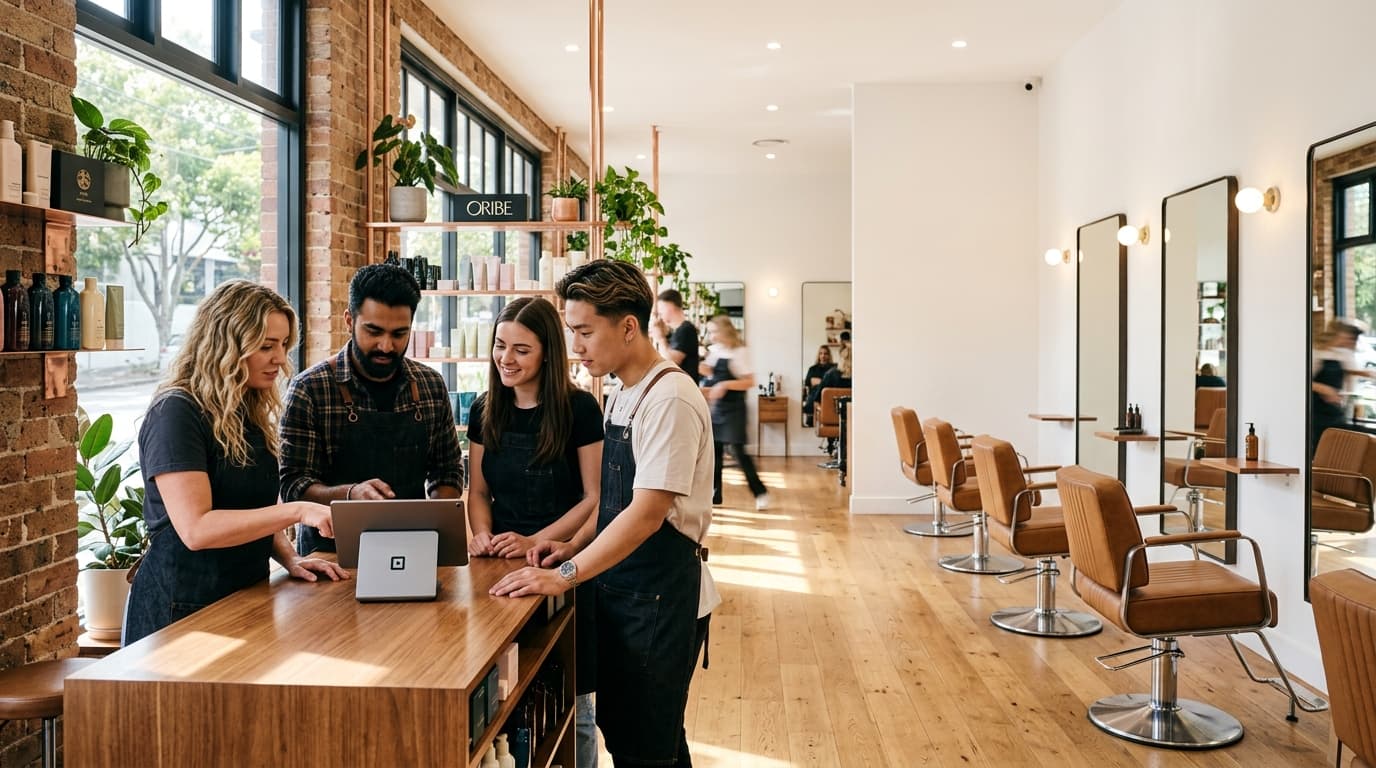
See how waitlist matching, offers, client responses and confirmed bookings fit together when an appointment opens up.

Learn how active work, processing, finishing and cleanup fit together before making eligible time available for another salon booking.

Review costs and service contribution, set an effective date, then update client communication and future bookings before new prices go li

See which OpenChair replies can Auto-send on supported SMS and Instagram, which stay as drafts, and which booking actions need review.

Book several services together, check room availability and let clients use existing prepaid packages online in OpenChair’s late-March update.

OpenChair was built around a simple idea: keep more chair time working, give teams useful client context and reduce admin without taking control away.
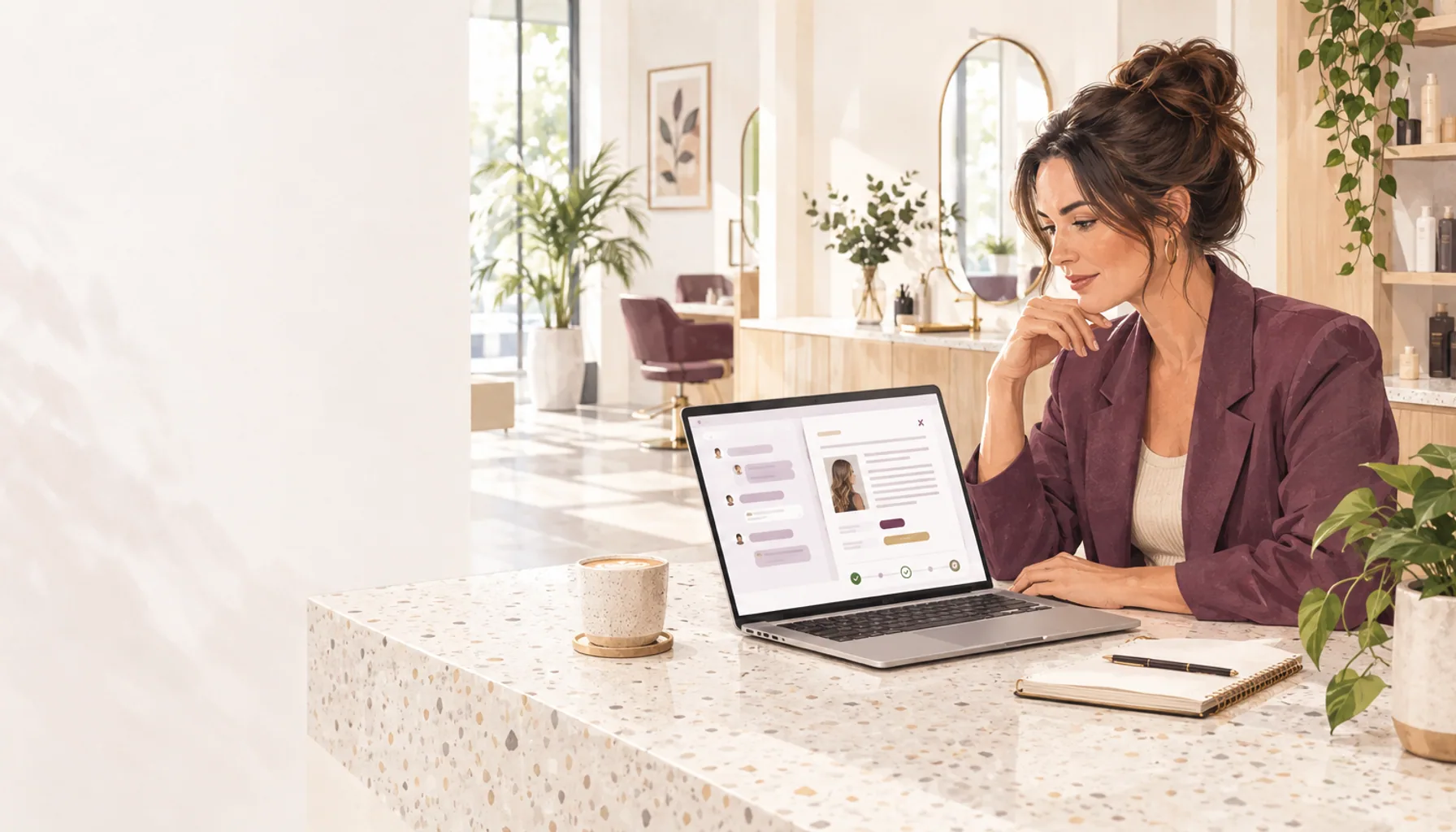
Pick up earlier Assistant conversations, review reply and offer drafts, and keep follow-up campaign approvals with the discussion in OpenChair.
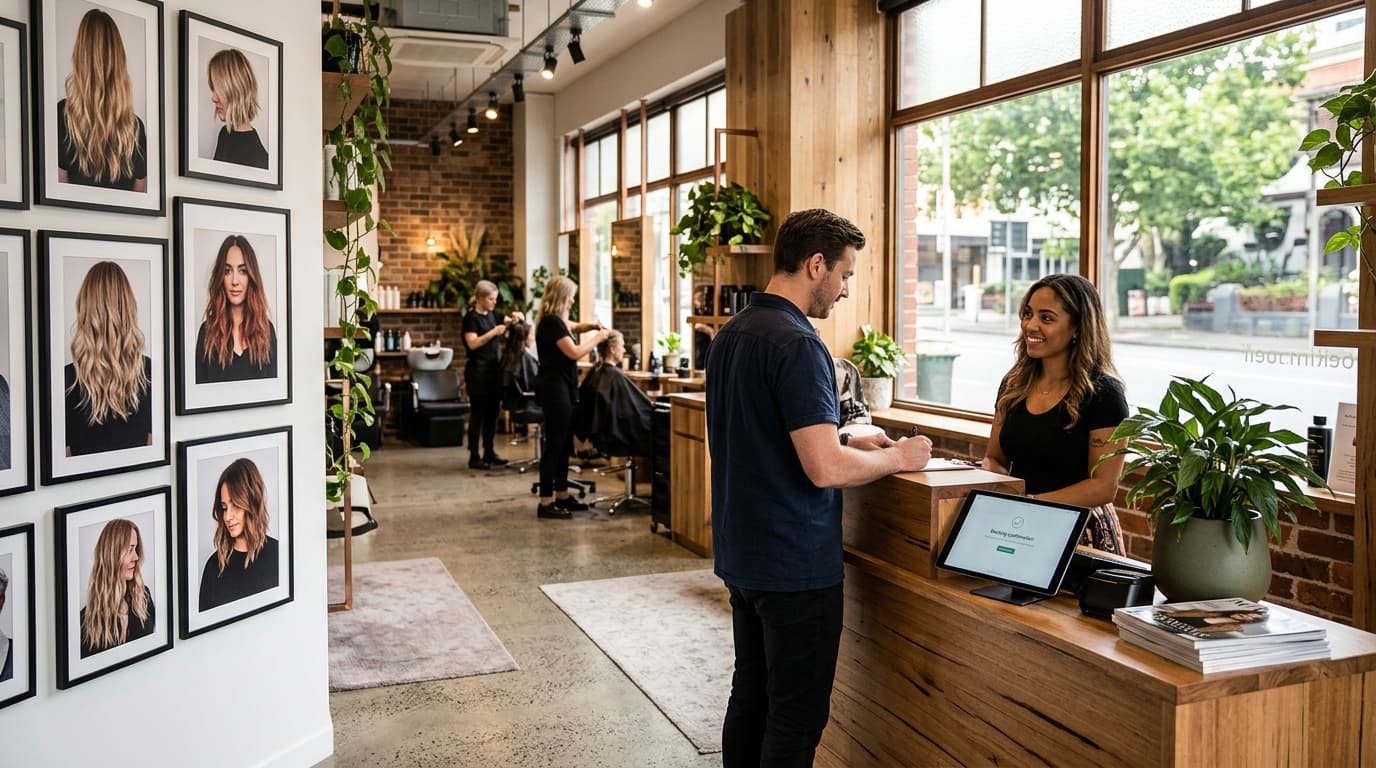
elp clients recognise your salon, choose the right service and staff member, understand booking conditions and complete the booking.

Check what each service includes, the time it needs and the costs behind its price before testing the client booking path.

Design a salon referral offer, define when rewards apply, track completed visits and compare the result with discount and delivery costs.

Keep your salon's Google Business Profile accurate across categories, services, hours, photos, reviews and the route clients use to book.