New in OpenChair: waitlist openings, aftercare and till close | 15–31 May 2026
Find waitlist matches for schedule openings, send service-specific aftercare and reconcile your salon’s cash and card takings in OpenChair. Suggested slug: wait
On this page
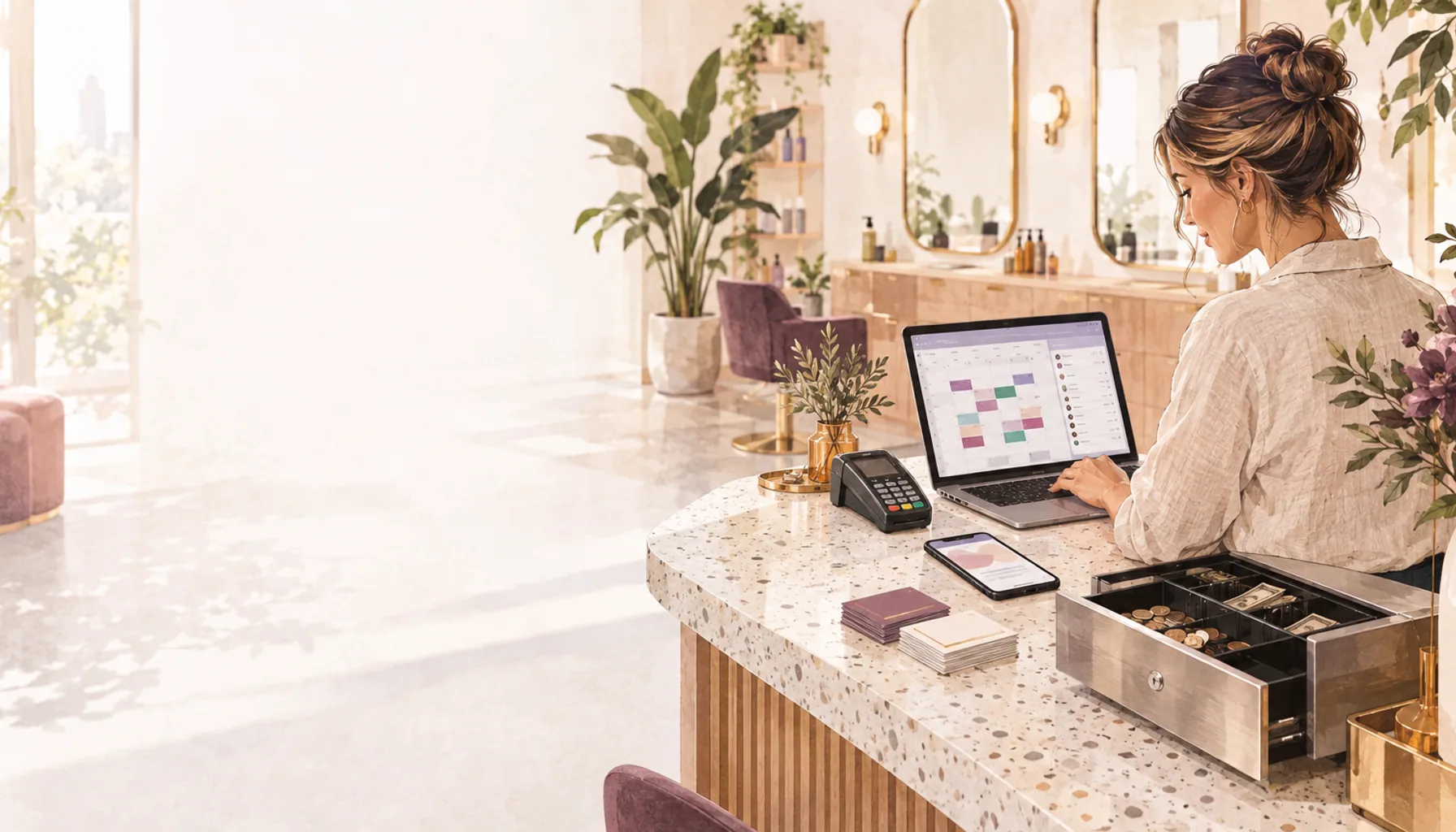
This fortnight, we’ve expanded OpenChair’s web calendar openings list so you can review unbooked time alongside cancellations and processing gaps. We’ve also added Aftercare Sequences on Pro and a Close till workflow, with improvements to how you review Style Match enquiries.
Find a waitlist client for an opening in the diary#
The calendar’s openings list now brings together cancellation spaces, unbooked time with waitlist matches and eligible colour processing gaps. Review the staff member, start and finish times, and available match information before selecting an opening. OpenChair carries that time into the gap-filling review so you do not have to enter it again.
This gives reception a starting point for a gap that has been sitting in the diary, as well as one left by a cancellation. Review the waiting clients and their requested services, then decide who to offer the appointment to. Pro adds AI-ranked candidates; basic waitlist management remains available across plans.
For a colour salon, a fringe trim might fit while another client’s colour develops. It still needs to fit the full available interval, the staff member’s services and any resource requirements, without delaying the original client’s finishing work.
In a beauty studio, use the same review to check a waiting client’s service and available days against a therapist’s opening. With Manual review selected in your waitlist settings, you choose whether to send the offer or leave the gap open.
Review the enquiry behind a Style Match suggestion#
We’ve updated the Style Match dashboard on Pro for venues with the feature enabled. The Sessions list brings photo-guided requests together, with filters for their outcome and whether they have been reviewed.
Open a session to read the suggested services and the client’s request. For a colour enquiry, any supplied current-hair photos show the starting point, while inspiration images show the direction the client has in mind. Review both before deciding whether the request needs a consultation.
When a client has sent an enquiry through Style Match, View in Inbox takes you to that conversation. Mark reviewed records who checked the session, helping the next person distinguish reviewed requests from those still waiting for attention. It does not confirm an appointment.
Our Style Match guide explains how photo-guided service matching fits into salon booking.
Send aftercare linked to the completed service#
Aftercare Sequences now lets Pro venues prepare follow-up messages for particular services. An owner creates the message templates, sets their timing in a sequence and assigns that sequence to a service. Completing a booking for that service queues the configured messages.
A lash and brow studio could prepare its own service-specific care instructions and a later check-in. A hair salon could use a different sequence for its colour services. Your team writes and reviews the advice; OpenChair handles the scheduled delivery through the configured channels.
Clients can respond through an aftercare check-in link with a note and private photos. The response appears in Inbox for your team to review, linked to the appointment.
You can turn aftercare off for an individual booking to cancel its pending messages. OpenChair also checks the client’s aftercare opt-out before sending. Sequences support email and, in Australia and the UK, SMS where configured.
Close the till against recorded takings#
The new Close till workflow compares recorded payment activity with the cash you count and the total from your separate card terminal. Owners and managers can open Money > Close till in the web app to review the trading period and expected totals.
Enter the opening float, counted cash, closing float and cash to bank. If you use an external card provider, compare its batch report and enter the counted external-card total. Stripe card and online payments stay separate from those external-card takings.
For a barbershop, a petty-cash purchase during the day can explain why the drawer holds less than expected. Record it as a paid-out cash movement with a reason before completing the close. Paid-in movements record money added to the drawer.
OpenChair checks that the closing float and cash to bank add up to the counted cash. Unfinished orders or transactions waiting to sync must be resolved before the close can be completed. Review any difference, add a close note where required and confirm the close. History keeps the totals, notes and person who completed it for later review.
Book an OpenChair walkthrough to see waitlist review, aftercare and till close using your salon’s daily routine.